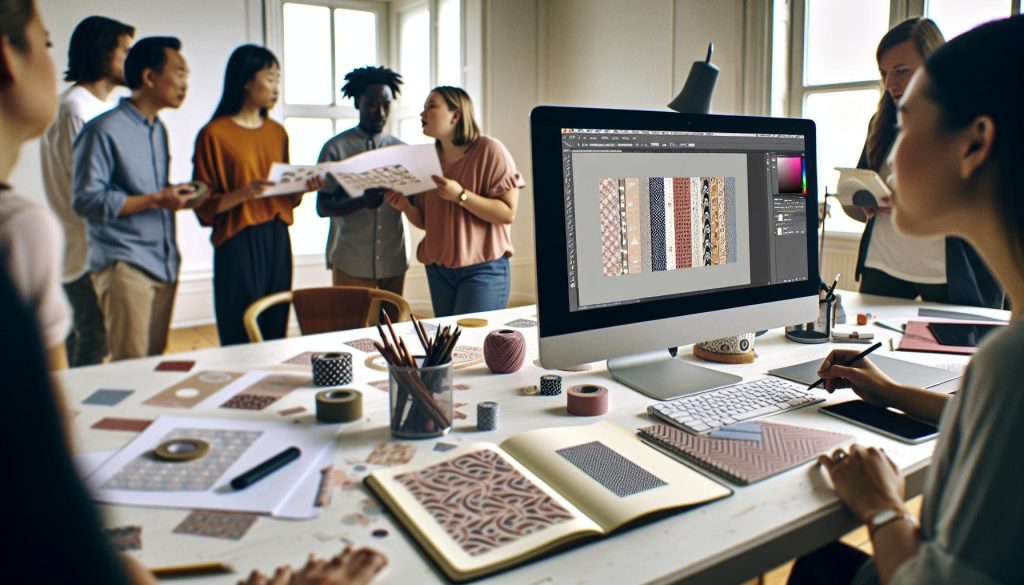
Washi tape, with its vibrant designs and versatility, has taken the crafting world by storm-but have you ever considered creating your own? In this tutorial, you’ll learn how to make washi tape in Photoshop, allowing you to customize patterns that reflect your unique style. Imagine effortlessly enhancing your scrapbooks, gifts, or home decor with personalized tape that showcases your creativity. Not only does making washi tape save you money, but it also gives you the freedom to design exactly what you want. Whether you’re a seasoned designer or just starting out, this step-by-step guide will empower you to delve into the world of digital design. So, let’s get started and turn your ideas into reality!
Choosing the Right Tools for Your Washi Tape Design
Choosing the right tools can make or break your washi tape design experience in Photoshop. It’s essential to equip yourself with not just the right software, but also accessories and resources that enhance your creativity. First off, make sure you’re using a version of Photoshop that supports the latest features-ideally, Photoshop CC. This ensures you have access to the newest tools for layering, pen pressure sensitivity, and brush customization.
When it comes to hardware, invest in a good graphics tablet. A tablet gives you the precision and control needed for detailed designs that you just can’t achieve with a mouse. Brands like Wacom offer a range of options-from affordable models to professional-grade tablets-with varying sizes and sensitivity levels. This level of control is crucial for creating intricate patterns and textures that make your washi tape stand out.
Don’t overlook the importance of brushes-custom brushes can transform flat designs into dynamic ones. There are countless free and paid brush sets available online that can add unique textures and styles to your projects. Consider experimenting with a mix of geometric and organic shapes to create those captivating washi tape patterns. Also, keep a color palette generator handy; tools like Adobe Color Wheel can help you explore and save vibrant combinations that complement your designs beautifully.
In summary, by selecting the right software and hardware, and utilizing the proper resources and brushes, you’ll set yourself up for success in crafting beautiful washi tape designs. Embrace these tools, and let your creative spirit flourish as you bring unique designs to life!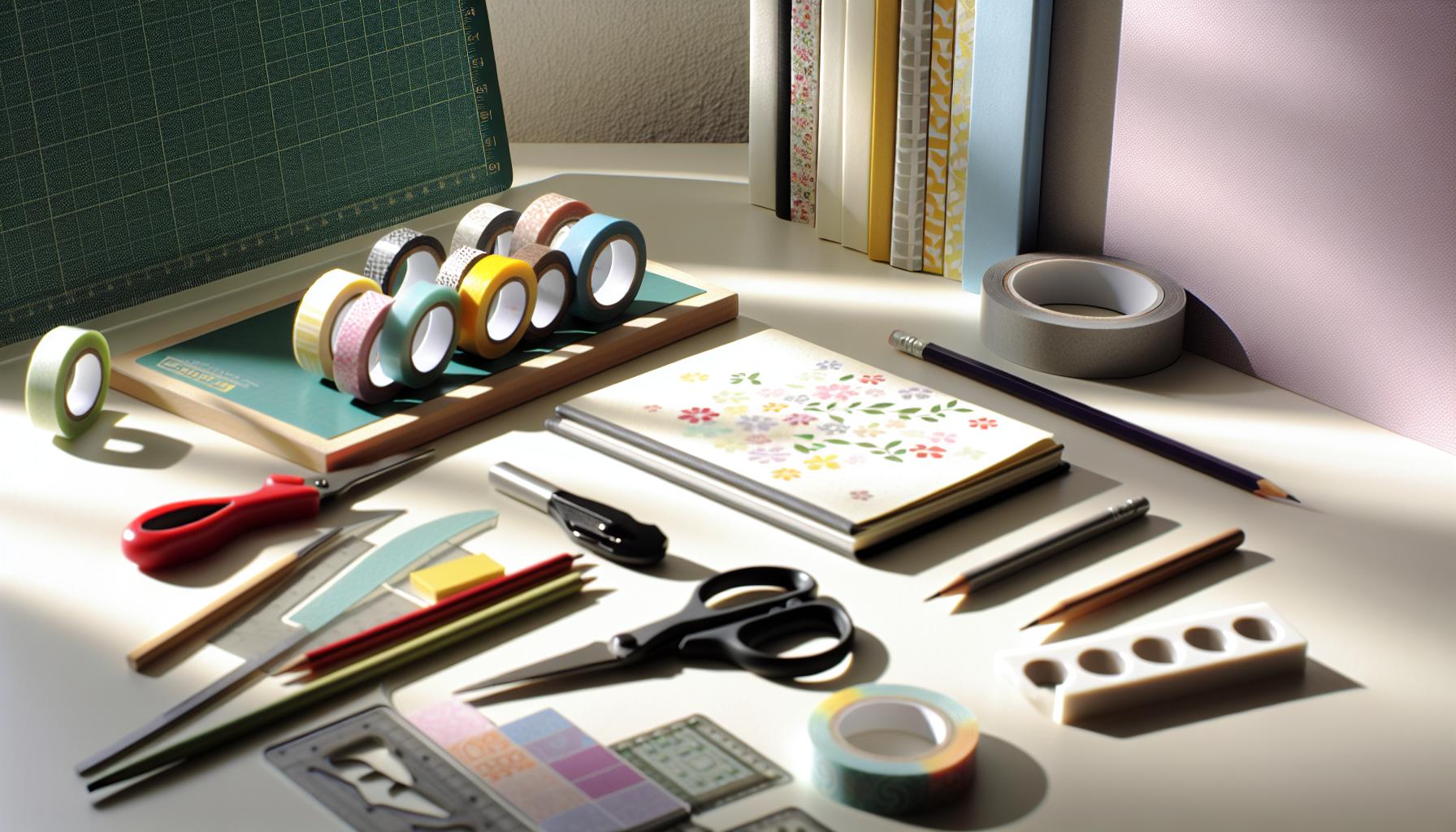
Essential Techniques for Crafting Washi Tape in Photoshop
To create stunning washi tape designs in Photoshop, mastering a few essential techniques can elevate your work to the next level. These methods not only streamline your design process but also allow for greater creativity and uniqueness in your projects. Here’s a breakdown of effective approaches that can transform your digital tape into eye-catching art.
First, start by using layering techniques. Layers give you the freedom to manipulate different elements of your design independently. For instance, you could start with a base color layer for your tape and then add patterns or textures on separate layers. This method allows you to easily adjust transparency, blending modes, and even apply effects like shadows or highlights without affecting the base layer. Consider using icons or digital stamps that can be duplicated and resized across layers to create a cohesive yet dynamic pattern.
Next, leverage the power of custom brushes. Custom brushes can significantly enhance your designs by adding organic-looking textures or intricate details that flat designs often lack. Explore a variety of brush packs available online-many artists offer unique sets specifically for creating washi tape. When creating patterns, try alternating between different brush styles, such as those simulating ink splatters and delicate line art. This variation can create a vibrant, hand-crafted feel to your designs that resonates with the aesthetics of traditional washi.
Now, let’s talk about color usage. Instead of sticking with a single color palette, experiment with gradient overlays and color blending techniques. Use the Gradient Tool to create smooth transitions or dynamic color shifts that can breathe life into your tape designs. Moreover, utilizing tools like Adobe Color can help you create and save your favorite palettes, ensuring your colors harmonize beautifully on your tape. It’s about finding that perfect combination that pops and catches the eye-don’t hesitate to test bold choices!
Finally, remember to use smart objects when placing patterns or images. This feature allows you to resize and transform graphics repeatedly without losing quality. When you’re ready to print or share your designs, your smart objects will maintain crisp, professional quality across a range of sizes, making them versatile for various applications.
By incorporating these techniques-layering, custom brushes, dynamic color applications, and smart objects-you’ll craft washi tape designs that are not only visually stunning but also uniquely yours. Whether for personal projects or professional work, these skills will give you the confidence to experiment and create with abandon. So dive in, explore, and let your imagination flow!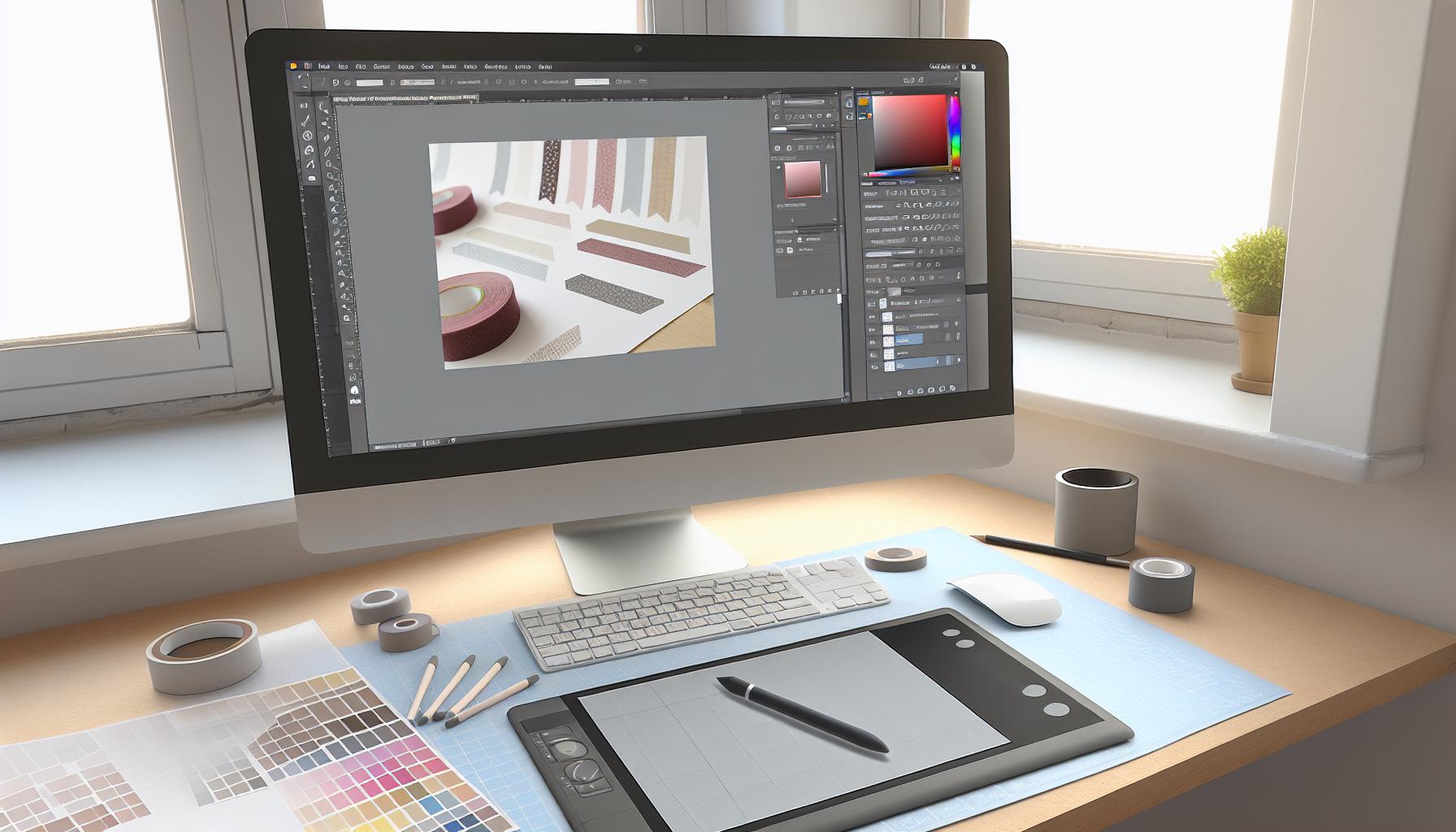
Creating Unique Patterns: Step-by-Step Guide
Creating unique patterns for washi tape in Photoshop is not just about aesthetics; it’s a chance to express your creativity in a tangible way. Unique patterns can make your tape stand out, and the steps to design them are straightforward yet flexible. Let’s dive into the process that’ll help you craft standout patterns effortlessly.
Start by setting up your document. Open Photoshop and create a new file with the dimensions you prefer for your washi tape – typically, a width of 2 to 3 inches works well. Choose a high resolution (300 DPI) to ensure your designs print clearly. This resolution allows for crisp details, which is essential when your tape is used in crafts.
Next, think about the elements you want to include in your pattern. Use the Shape Tool to create basic designs like circles, stars, or hearts. Group these shapes in a way that feels balanced but also random enough to capture the eye. To add more interest, incorporate custom brushes. You can either create your own or download pre-made brushes. Using a mix of different brushes creates that delightful, handmade feel synonymous with traditional washi. As you layer these elements, remember to alter their sizes and angles for a more dynamic composition.
Once your shapes are layered to satisfaction, it’s time to play with color. Applying a cohesive color palette is crucial. Use the Color Picker to select colors that complement each other-look for vibrant tones or soft pastels, depending on your theme. You can easily apply textures or gradients using blending modes. This not only enhances your design but also imbues it with depth, making it more visually appealing.
After establishing your design, you want to ensure it repeats seamlessly. To test this, select your entire artwork and define it as a pattern by going to Edit > Define Pattern. Then create a new layer and fill it with your new pattern to see how it looks repeated. This check allows you to assess balance and make adjustments as needed. Fine-tune the details, adjust colors, or even shift elements slightly for harmony.
Finally, save your pattern for use in future projects. Use the File > Export > Export As option to save in formats compatible with most applications. Adobe Photoshop allows saving in functions like PNG or TIFF, ensuring your designs keep their quality whether in print or digital use.
By following these steps, you can create intriguing, one-of-a-kind washi tape patterns that reflect your personal style. Remember, the goal is to enjoy the process, so don’t hesitate to experiment until you find the design that truly resonates with you!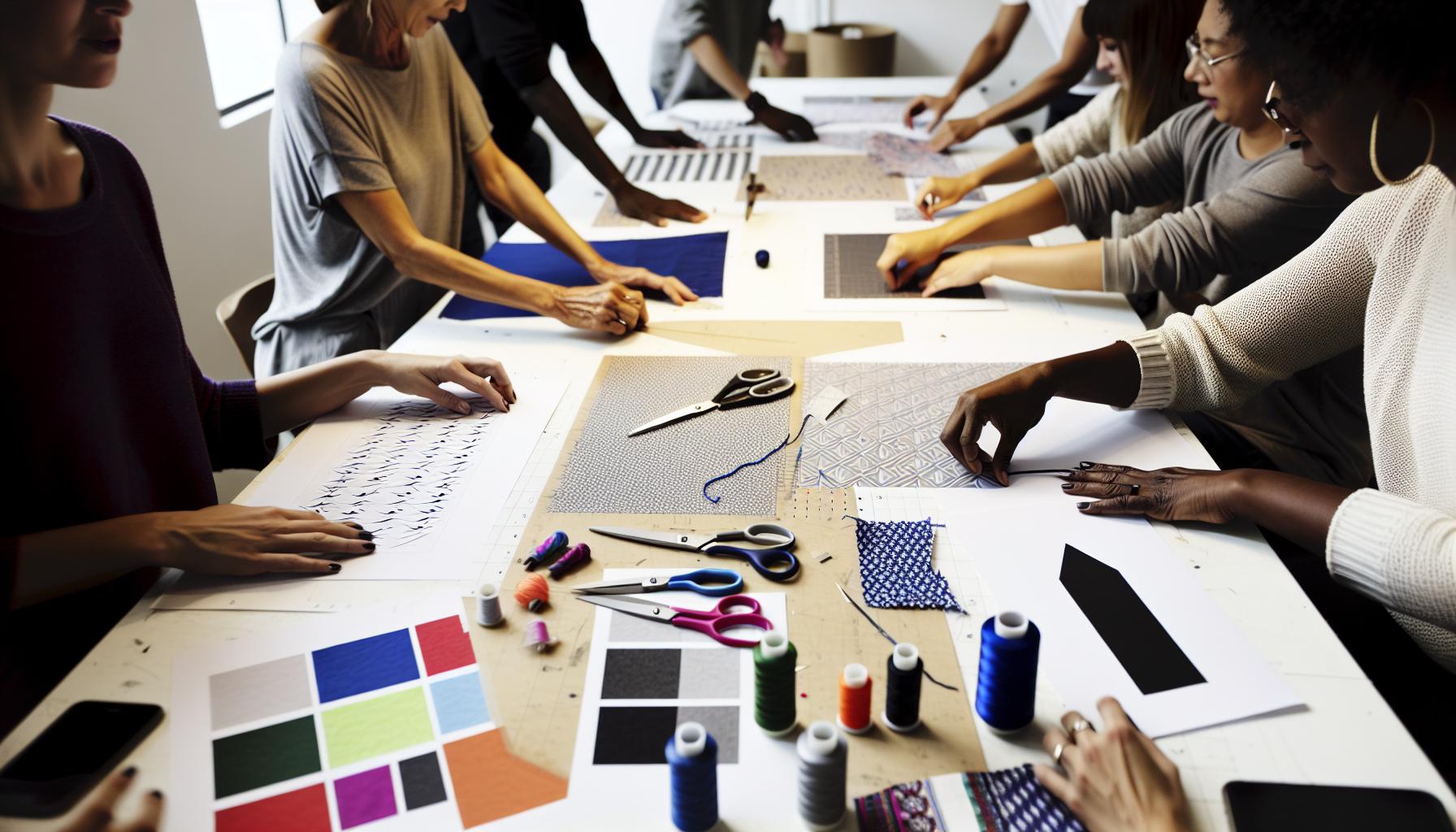
Adding Texture to Your Washi Tape Designs
To make your washi tape designs truly stand out, adding texture is key. It’s the secret ingredient that elevates your design from flat to fabulous. A well-designed texture can evoke the charming, hand-crafted feel reminiscent of traditional washi, making your creations not just visuals but also tactile experiences.
Start by considering the type of texture you want. You can incorporate both visual and physical textures. For a visual texture, explore Photoshop’s built-in effects or create your own using brushes. Try layering various brush strokes or patterns at different opacities. This technique can mimic natural materials like fabric or paper, lending depth to your design. For example, if you want a fabric-like feel, use a brush with a rough edge and apply it lightly over your base colors to add subtle imperfections.
Another effective method is to overlay a texture image. Many artists use high-resolution images of natural textures-think of surfaces like wood grain, linen, or even stone. Use the Layer > New Fill Layer > Pattern method to bring in your texture. Adjust the blending mode (like Overlay or Soft Light) and play with the opacity until you achieve that perfect balance. Remember, the goal is to enhance, not overpower, your core pattern.
Finally, don’t shy away from experimenting with filters. The Filter Gallery in Photoshop gives you an array of options to apply textures creatively. You might try adding a subtle grain or a canvas texture for a more artistic touch. Adjust the settings until you find the right effect-sometimes a little goes a long way.
With these strategies, your washi tape designs won’t just be seen; they’ll be felt. Embrace the textures that reflect your style, and watch your work transform into cohesive pieces of art that exude personality and charm.
Incorporating Colors that Pop in Your Designs
Creating striking washi tape designs starts with color. Choosing vibrant hues can instantly elevate your project, making it not just eye-catching but also memorable. The right color palette will set the mood and tone of your tape, whether you’re going for playful, elegant, or artsy vibes. When approaching color, think about context and composition-how these colors will interact both with each other and the surfaces they’ll adorn.
One of the easiest ways to make colors pop is by using contrasting colors. For instance, pairing bright pinks with deep greens can create a dynamic and energetic look. Utilize the color wheel to identify complementary colors that draw the eye. Websites like Adobe Color can provide inspiration and help you create harmonious palettes that are visually pleasing. Don’t hesitate to experiment; you might discover unexpected but beautiful combinations by pairing colors that seem unlikely at first.
In Photoshop, leverage layers and blending modes to enhance your colors further. By adjusting the opacity and blending modes-like Multiply or Screen-you can create depth and richness in your designs. Another powerful tool is the Hue/Saturation adjustment, which allows you to tweak colors until they resonate just right. Apply this as needed to find that sweet spot where your colors truly shine without overwhelming the overall design.
Consider also the psychological impact of colors. Warm colors like red and yellow can evoke feelings of warmth and happiness, while cool tones like blue and green create calm and peaceful vibes. Think about the message you want to convey with your washi tape and choose your colors accordingly. Mixing neutrals with pops of color can also create a balanced design that feels sophisticated yet playful.
Incorporate these strategies into your process, and you’ll see your washi tape transform into vibrant pieces that not only attract attention but also resonate with your intended audience.
How to Save and Export Your Washi Tape Files
Saving and exporting your washi tape designs in Photoshop can make a significant difference in achieving professional-quality results. The final steps in your creative process are just as important as the design itself. Here’s a straightforward guide to ensure you get the most out of your designs.
First, before you export, make sure you’ve finalized your layers. If you’ve used multiple layers for your design, consider flattening them to simplify the file. Go to the top menu and click on Layer > Flatten Image. This will merge all your layers into one, making it easier to manage during exporting. However, keep a copy of your layered file in PSD format for future edits.
When it’s time to export, choose a format that suits your needs. For high-quality prints, using TIFF or PNG is ideal, as both formats support transparent backgrounds and preserve image quality. If you’re planning to use your designs digitally, JPEG is a good option, but keep in mind this format compresses the image, which can lower quality.
Steps to Export Your Design
- Click on File > Export > Export As.
- Select your desired format (TIFF, PNG, or JPEG).
- Adjust the settings according to your needs (like resolution and quality).
- Click Export, choose a location, and save your file.
Remember to set your resolution to at least 300 DPI for print quality. Higher DPI ensures that your patterns will look sharp and professional when printed. For digital use, a resolution of 72 DPI is typically sufficient.
Ultimately, the key is to ensure that you’re saving your designs in the right format and at the correct resolution. Properly saving your creations enables you to maintain the integrity of your artwork, whether it’s used for stickers, crafts, or digital projects. So, take the time to export correctly and you’re sure to see your designs shine!
Tips for Printing Your Washi Tape Designs Effectively
Printing your washi tape designs is where your creativity meets the tangible world, so getting it right is crucial. The difference between a dull print and a vibrant design is often in the details, from the printer settings to the paper you choose. First and foremost, always use high-quality, glossy paper designed specifically for printing stickers or crafts. This kind of paper not only enhances the colors but also gives your designs a professional finish.
If you’re using an inkjet printer, check that you have a fresh set of inks. Don’t underestimate the importance of good quality ink – it can dramatically affect the vibrancy of your colors. Before hitting print, do a test print on regular paper to check for any design issues. This can save you from wasting expensive printing materials and ensure your design flows seamlessly.
Printer Settings
It’s not just about the paper; printer settings matter too. Make sure to select the highest quality print option available in your printer software. Here’s a quick checklist to follow:
- Choose the best print quality (often labeled as “High” or “Best”).
- Select the correct paper type (Glossy Paper or Photo Paper).
- Set the color management to “Photographic” if your printer supports it.
- Adjust the paper size settings accurately to match your tape dimensions.
Remember, if your design needs a professional touch, consider investing in a print shop; they often have better equipment which can handle intricate designs and offer options like vinyl or special finishes that at-home printers can’t replicate.
Don’t forget to allow your ink to dry completely after printing. This might seem basic, but it’s crucial if you don’t want to smudge your designs. Once dry, consider applying a clear sealant spray or laminate for extra durability, especially if your washi tape will be used in high-contact areas. By following these tips, you can ensure your washi tape designs not only look great but also stand the test of time.
Exploring Creative Ways to Use Washi Tape Graphics
Washi tape graphics can transform not only your crafting projects but can also add a unique flair to everyday items. These versatile designs don’t have to be limited to just tape; they can play a role in countless creative applications. Imagine using your custom washi tape designs to decorate notebooks, gift packaging, or even furniture-your options are practically limitless.
One of the easiest and most impactful uses for your designs is in personalizing home décor. Take a plain picture frame and embellish it with strips of your vibrant washi tape. This quick update not only refreshes an old item but also creates a cohesive look that complements the artwork inside. Similarly, you can dress up planters by wrapping them with your favorite patterns, instantly enhancing your indoor garden’s aesthetic.
If you’re looking to take your washi tape graphics digital, consider integrating them into your digital scrapbook or planner templates. You can scan your tape or create digital overlays in Photoshop, allowing you to drag and drop these graphics into your projects. This way, you can design stunning layouts and invitations that marry the charm of handmade with the convenience of digital editing.
For a personal touch on gifts, use your graphics as part of your wrapping scheme. Layered designs of washi tape can be added directly onto gift wrap or used as seals on envelopes. Try a combination of patterns and colors to create a playful look or choose a sophisticated palette for more elegant occasions. Don’t forget about labels-custom washi tape graphics can easily be turned into unique tags that add a personal message to your presentations.
Lastly, displaying your washi tape creatively can also be a form of art. Create collages on canvas using prints of your graphics, or even hang up strips of washi tape in a beautiful pattern on a wall. This not only showcases your work but also adds an artistic element to your living space.
By leveraging your washi tape graphics in these inventive ways, you’re not just crafting; you’re storytelling-creating a variance of experiences that reflect your unique style and creativity.
Troubleshooting Common Design Issues in Photoshop
When it comes to creating washi tape designs in Photoshop, encountering design issues can feel frustrating, but they’re often straightforward to fix. One common problem is the issue of resolution. If your designs look pixelated when printed, it’s usually because they’re created at too low of a resolution. Always work with a minimum of 300 DPI (dots per inch) for print quality. Before starting your project, set up your document size appropriately; for example, a standard washi tape roll is typically 1.5 inches wide, so setting your canvas to a size that reflects this will keep your designs sharp and professional.
Another frequent hurdle is color management. If the colors you see on your screen don’t match what prints out, it’s likely due to RGB vs. CMYK color modes. Photoshop defaults to RGB for screen use, but for printing, switch to CMYK mode. You can convert by going to Image > Mode > CMYK Color. This adjustment often helps to get the colors closer to what you’ll actually see on paper. Experimenting with color swatches within Photoshop can also ensure you’re selecting shades that pop on your printed tape.
Layering can also create challenges, especially if your designs get complicated. Sometimes, elements can accidentally overlap in ways that disrupt your intended look. To simplify your workflow, use the Layer Styles panel to quickly hide or show different elements as you design. This allows you to troubleshoot which elements work best together. Grouping layers by placing them in folders can keep your workspace organized and help prevent decision fatigue when fine-tuning your designs.
Lastly, if you’re struggling with the alignment of patterns, the grid feature in Photoshop can be your best friend. By enabling the grid, you can easily align your design elements and ensure everything is symmetrical or following your intended pattern. Utilize Snap to Grid (found in the View menu) to make placements precise. And remember, using the Transform tools can help resize and rotate your designs without losing their quality.
Address these common issues with a proactive approach, and you’ll ensure your washi tape designs come out beautifully, giving you high-quality graphics you’ll be proud to showcase in your crafting projects.
Inspiration: Showcasing Washi Tape Projects and Ideas
Imagine the endless possibilities of washi tape in your next creative project. It’s not just decorative tape; it’s a versatile tool that can elevate anything from gift wrapping to home decor. Whether you want to personalize planners or create one-of-a-kind art pieces, washi tape brings a unique flair. Let’s dive into some inspiring projects and ideas that showcase how washi tape can transform your designs and your approach to crafting.
Personalized Gift Wrapping
One of the easiest ways to utilize your washi tape designs is in gift wrapping. Instead of standard ribbons, use strips of your own patterned washi tape to secure gift tags or embellish brown paper wraps. This not only saves time but also adds a personal touch that recipients will love. You can create a cohesive theme by matching the colors and patterns to the occasion. Consider combining several different designs for a playful, layered look.
Home Decor Accents
Washi tape is perfect for creating instant home decor upgrades. Try using your custom tape to dress up picture frames, plant pots, or even furniture. For example, you can outline the edges of a canvas board with washi tape, turning a plain frame into a statement piece. Use bold colors and patterns to contrast with your interiors, or stick to a monochromatic palette for a more sophisticated vibe.
Creative Planner Organization
If you’re a planner enthusiast, integrating washi tape into your organizing routine can bring both function and style. Use your designs to highlight important dates, section off different areas of your planner, or even create decorative borders around your notes. The beauty of washi tape is that it’s easily removable, making it perfect for those who like to rearrange or change their plans frequently.
DIY Art Projects
Incorporate washi tape into your art journal or scrapbook to create exciting textures and layers. You can cut the tape into various shapes-like flags or banners-and layer them to form borders or even collages. Pair washi tape with drawings or photographs to add depth and creativity. How about creating a mural in your studio using strips of washi tape to form a geometric pattern? The limit is your imagination!
Using washi tape graphics in your designs opens up a world of creative exploration. Whether it’s enhancing practical everyday items or diving into elaborate art projects, the versatility of washi tape ensures that your designs will always stand out. Embrace the creative journey, and let your imagination lead the way!
Advanced Techniques: Customizing Your Washi Tape Further
Creating customized washi tape designs in Photoshop offers endless artistic possibilities, allowing you to channel your creativity in ways that can truly make your work stand out. One of the most exciting aspects of digital design is the ability to manipulate elements until they perfectly meet your vision. This means experimenting with layout, shape, and image until you achieve a look that is uniquely yours.
To start, consider layering various patterns and textures in your designs. Use the Layer Styles option to add drop shadows, strokes, or inner glows to your patterns, which can give your designs an added depth. Try combining geometric shapes with floral patterns for a vibrant clash of styles. This approach not only enhances visual interest but also helps break the monotony of flat designs. Remember to play with opacity settings to create a sense of transparency and layering that mimics the physical characteristics of traditional washi tape.
Color customization is where you can really express your personality. Utilize the Color Overlay and Gradient Fill options to modify existing colors in your designs for a more tailored palette. This can be particularly effective if you want specific hues that align with a theme or season. Pairing bold colors with softer shades creates striking contrasts, while complementary colors can help unify various design elements.
Don’t overlook the power of adding custom illustrations or textures to your tape designs. You can create your own artwork or brush strokes and import them into your project. This allows you to make one-of-a-kind patterns that can’t be found anywhere else. Once you’ve designed these elements, play around with different blending modes to see how they interact with your background colors and textures-this can lead to some unexpected but delightful results!
Lastly, always preview your designs in actual size to ensure your details are clear and impactful. When satisfied, export your creations using high-resolution settings to retain quality when printed. Whether you’re printing at home or sending your designs to a professional printing service, clarity is crucial for making your washi tape not just a design but a tangible expression of your creativity.
Engaging in these advanced techniques of customization can elevate your washi tape projects far beyond the ordinary, making them not just functional but truly works of art.
Integrating Washi Tape Designs into Other Projects
Integrating your custom washi tape designs into other projects can transform mundane tasks into vibrant expressions of personality and creativity. By utilizing your unique tape patterns, you can enhance everything from scrapbooks and planners to home decor and gift wrapping.
One of the most accessible ways to integrate washi tape into broader projects is through crafting personalized stationery. Whether it’s greeting cards, invitations, or thank-you notes, incorporating your washi tape designs can add a special touch. Simply print your designs on adhesive paper, cut them into strips, and apply them to your cards. You can layer them for added visual interest or use them to create borders. This not only elevates the aesthetic but also provides a wonderful way to showcase your creative flair.
Another creative avenue is upcycling everyday items. Think about how washi tape can breathe new life into ordinary household objects. For instance, you can decorate plain pots, storage boxes, or even furniture by wrapping or applying strips of your designs. This DIY approach makes your spaces uniquely yours while also being a great conversation starter. Just ensure the surface is clean before applying the tape for longevity and a polished finish.
If you’re into digital projects, incorporating digital washi tape into graphic design can take your work to the next level. Use your washi tape designs as overlays in presentations, on social media graphics, or in web design. Combine them with text or other digital elements to create eye-catching visuals. Most graphic design software allows you to easily manipulate these designs, giving you the freedom to adjust the scale and orientation to fit your vision perfectly.
Lastly, consider collaborative projects or gifts where you can share your washi tape creations. Think of custom calendars, planners, or even DIY photo albums where your designs serve as thematic elements. Not only does this allow you to showcase your work, but it also creates a unique experience for the recipient, emphasizing thoughtfulness and creativity.
Experimenting with your washi tape designs across various projects not only enhances their utility but also solidifies your creative signature in everything you do. So go ahead-let your imagination run wild, and watch as your designs breathe new life into old projects!
Frequently asked questions
Q: What are the best tools for making Washi tape designs in Photoshop?
A: The best tools for creating Washi tape designs in Photoshop include the Brush Tool for custom patterns, the Shape Tool for geometric designs, and Layer Styles for adding texture. Utilize action scripts to streamline your workflow, and don’t forget about the Text Tool for adding personalized messages.
Q: How can I create unique patterns for my Washi tape in Photoshop?
A: To create unique patterns in Photoshop, start by using the Pattern Maker or the Custom Brush Tool. Combine shapes, colors, and textures. Experiment with different blend modes and opacity levels to achieve distinct designs that stand out. Check out the section on Creating Unique Patterns for a detailed step-by-step guide.
Q: What textures work best for Washi tape designs?
A: For Washi tape designs, natural textures like paper grain, fabric, or watercolor effects work best. Use the Texturizer filter in Photoshop to apply these textures, or overlay images of real textures for a more authentic look. Explore the Adding Texture section of our tutorial for tips on enhancing your designs.
Q: How do I save my Washi tape designs for print in Photoshop?
A: To save your Washi tape designs for print, use the Save As option and select TIFF or PDF for high quality. Ensure your color mode is set to CMYK for printing and adjust the resolution to 300 DPI. Refer to the How to Save and Export section in our article for detailed steps.
Q: Can I use my Washi tape designs in other projects?
A: Yes, you can integrate your Washi tape designs into various projects like scrapbooking, digital planners, or custom cards. Save your designs as PNGs with transparent backgrounds for easy layering. Check the Integrating Washi Tape Designs section for ideas on how to effectively use these graphics.
Q: What are common troubleshooting tips for issues while designing Washi tape in Photoshop?
A: Common troubleshooting tips include ensuring your layers are correctly aligned, adjusting layer opacity, and avoiding over-complex patterns that can slow down performance. For issues with quality, always work in high resolution. Refer to the Troubleshooting Common Design Issues section for more solutions.
Q: How can I add color effectively to my Washi tape designs?
A: To add color effectively to your Washi tape designs, use layer adjustments like Hue/Saturation and Color Balance. Experiment with gradients and color overlays to make your designs pop. For detailed techniques, explore the section on Incorporating Colors that Pop in our tutorial.
Q: What are some creative ways to use Washi tape graphics in design?
A: Creative uses for Washi tape graphics include digital scrapbooking, creating calendar stickers, or decorating invitations. You can also use them in crafting and as overlays on photos. Dive into the Exploring Creative Ways to Use Washi Tape Graphics section for more inspiring ideas.
Future Outlook
Congratulations on mastering the art of creating washi tape in Photoshop! By now, you’ve learned how to design stunning patterns that can elevate your crafts, stationery projects, and personal touches to gifts. Don’t let your creativity stop here-dive deeper into our guides on digital scrapbooking and graphic design basics for even more inspiration.
Remember, the possibilities are endless! Share your creations in the comments below; we’d love to see how you’ve personalized your projects. If you found this tutorial helpful, consider signing up for our newsletter for more tips and exclusive content.
Ready to take your design skills to the next level? Check out our resource page for essential tools that will make your creative journey even smoother. Get started, and don’t hesitate to explore more of our engaging content on crafting and design. Happy creating!