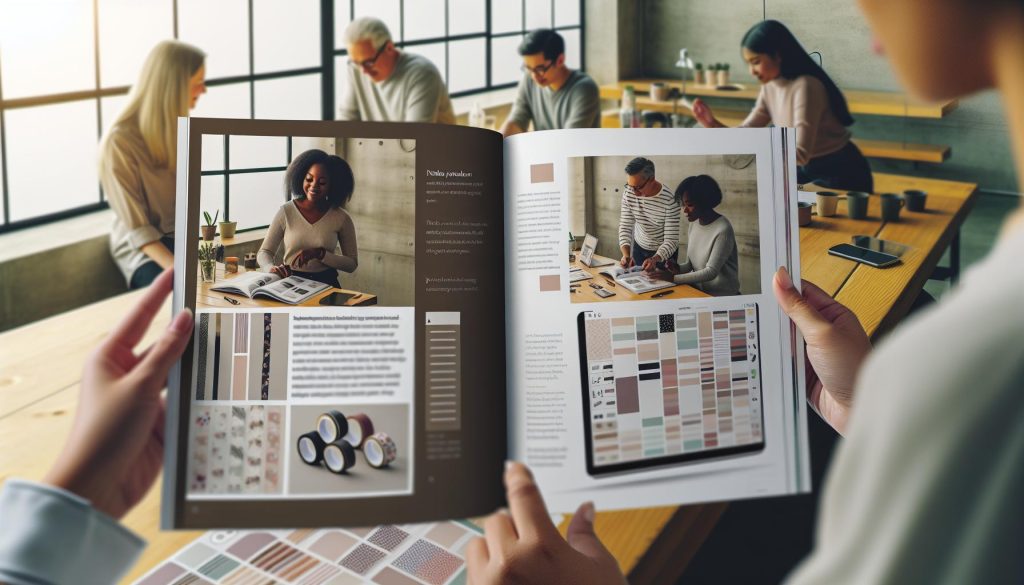
Have you ever leafed through your planner and felt it could use a little more personality? Digital washi tape is the perfect solution! It’s a creative way to personalize your planning experience, adding color and flair to your digital spaces. In this guide, we’ll explore how to make your own digital washi tape, tailored for planners and apps. Whether you want to enhance your digital scrapbooking projects or simply brighten up your daily agenda, creating your own tape designs is both simple and rewarding. You don’t need to be a graphic design whiz-just a bit of creativity and some basic tools will get you started. Dive in to discover how easy it is to craft unique washi tape that reflects your personal style and makes your planning process even more enjoyable!
Creating Eye-Catching Digital Washi Tape Designs
Creating digital washi tape is all about capturing attention with vibrant colors, unique patterns, and a touch of creativity. Think about it: the right design can transform a simple planner page into a visual delight. To create designs that stand out, start with striking motifs or themes that resonate with your audience. Popular choices include florals, geometric shapes, and vintage styles. These can be mixed and matched to create layered looks that add depth and intrigue to your tapes.
Color selection plays a crucial role. Use complementary colors to create contrast or a monochromatic palette for a more understated elegance. But don’t be afraid to experiment! Tools like Adobe Illustrator or Procreate allow for endless possibilities. Implementing textures adds a tactile quality to your designs-think about incorporating watercolor effects or brush strokes for a handmade feel. Remember, the goal is to evoke emotion and spark joy, turning functional objects into eye-catching art.
When designing, it’s essential to be mindful of the practical aspects as well. Ensure that the width and length of your tape designs are suitable for digital planners and apps; a typical size is around 1 inch in width but feel free to customize based on your specific needs. Lastly, gather feedback from peers or through social media to refine your designs. Your community can provide insights that might inspire even more captivating creations, making your digital washi tape not just an accessory, but a beloved tool in their planning journey.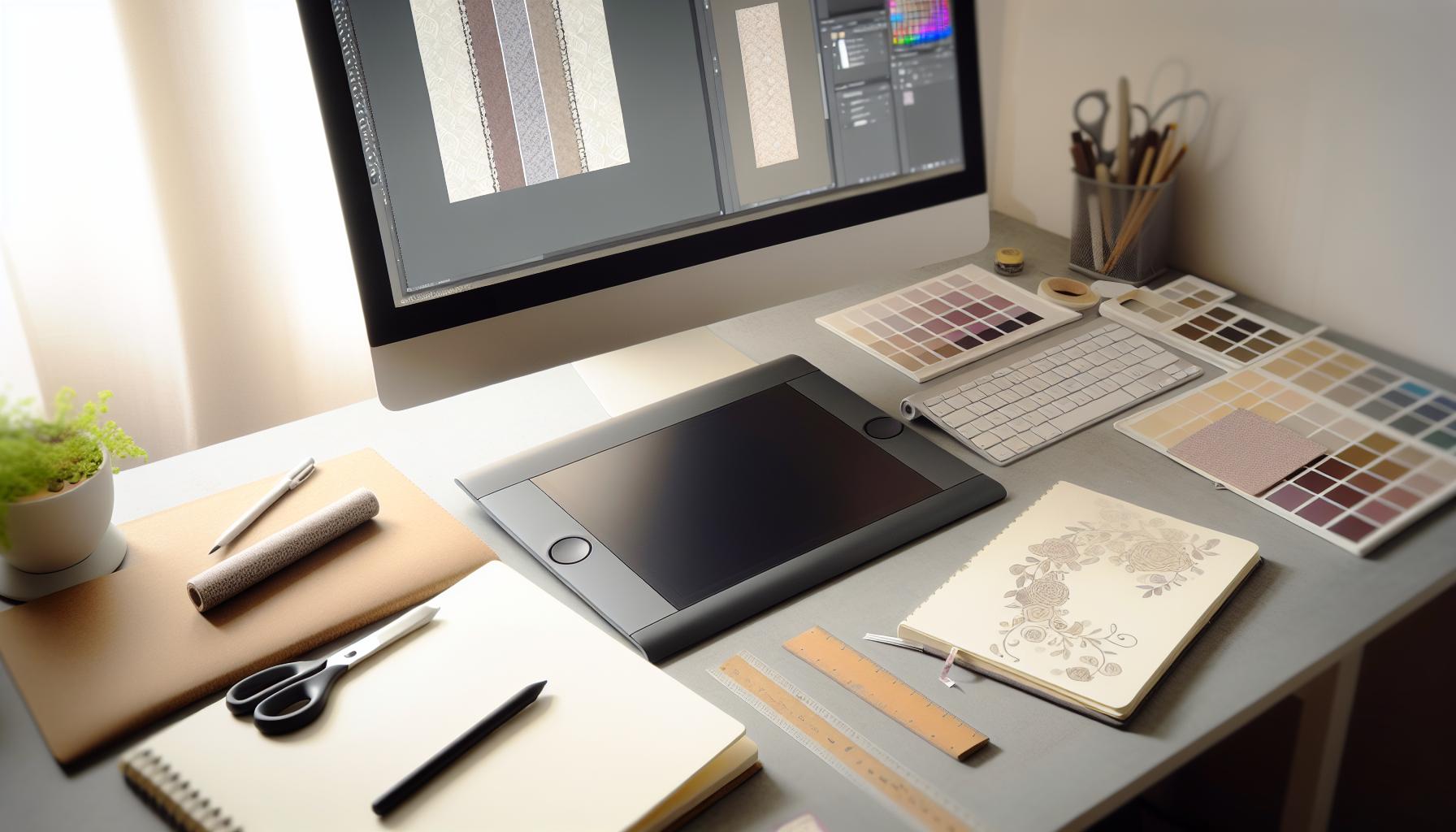
Essential Tools for Crafting Digital Washi Tape
Creating digital washi tape can be an incredibly rewarding experience, especially when you have the right tools at your disposal. The process of designing vibrant, engaging washi tape involves both creativity and a strong grasp of digital design software. Start with powerful graphic design programs like Adobe Illustrator or Procreate. These applications offer a suite of features that allow you to create intricate designs, manipulate colors, and add textures that can make your washi tape truly stand out.
Key Tools to Use
- Graphic Design Software: As mentioned, Adobe Illustrator and Procreate are top choices. Illustrator is fantastic for vector designs, which maintain their quality regardless of size, while Procreate appeals to those who prefer a more hands-on, artistic approach using an iPad.
- Color Palettes: Use tools like Adobe Color or Coolors.co to generate harmonious color schemes. A well-planned palette can make your washi tape designs more appealing and cohesive.
- Textures and Brushes: Create a unique feel by utilizing various brushes and textures. Many designers offer free or paid brushes that can replicate watercolor, ink, or even digital gouache effects, enhancing the tactile feel of your designs.
- Mockup Generators: Once your designs are ready, using mockup software like Placeit or Smartmockups can help visualize how your washi tape will look in planners. This is essential for effective marketing.
Getting familiar with these tools can dramatically improve your workflow and output quality. Your creativity combined with these essential resources will empower you to design captivating digital washi tape that not only enhances digital planners but also captures the hearts of users in the planner community. Remember, good design starts with the right tools in your arsenal, so invest the time to learn and master them.
Step-by-Step Guide to Digital Washi Tape Creation
Creating stunning digital washi tape is easier than you might think, and once you grasp a few key steps, you’ll be well on your way to designing beautiful, unique pieces for your digital planners. The beauty of digital washi tape lies in its versatility and the endless possibilities for customization. Here’s a straightforward guide to get you started.
Start by opening your graphic design software of choice-Adobe Illustrator or Procreate are both excellent for this purpose. Begin with a blank canvas sized appropriately for washi tape; a common width is around 3 inches. Next, choose your color palette. Selecting a cohesive set of colors is crucial; tools like Adobe Color or Coolors.co can help you create eye-catching combinations. Once your palette is ready, you can start sketching your designs. Think about themes-florals, stripes, or even abstract patterns can make your washi tape pop. Consider incorporating various textures and shapes to give depth.
After drafting your designs, it’s time to digitize them. Use the pen tool or brush tool in your software to trace or fill in your sketches with color. This step is where your creativity really shines! Don’t hesitate to experiment with different brushes for interesting textures. Once satisfied, group your elements and adjust them to fit neatly in a single band rather than as separate pieces.
Once you’ve finalized your tape, you can create mockups to visualize how your designs will look in planners. Mockup generators like Placeit are great for this, allowing potential buyers to see your tape in action. This is important for marketing! Lastly, save your finished designs in a high-resolution format like PNG or JPEG, and consider offering them as a downloadable product.
With these steps, you’ll create beautiful digital washi tape that can enhance any planner! The key is to enjoy the creative process and let your imagination flow.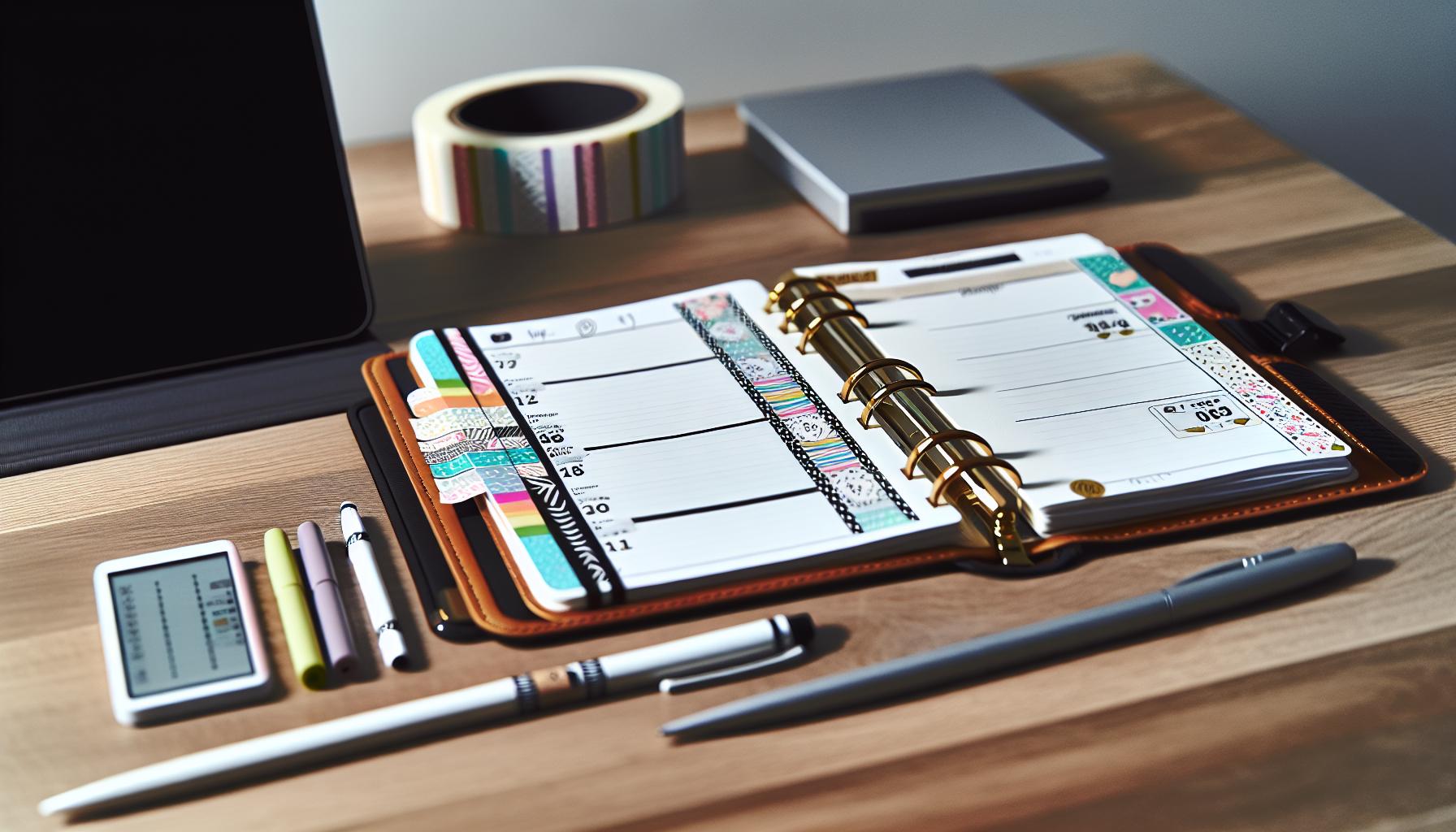
Ideas for Using Digital Washi Tape in Planners
Digital washi tape isn’t just a fun accessory; it’s a game changer for personalizing your planner and enhancing your organization. With the right designs, you can bring flair to your pages, elevate your planning experience, and make your tasks feel less daunting. Here’s how you can harness the magic of digital washi tape in your daily planning routine.
First, consider using digital washi tape to segment your planner. Need to differentiate between work tasks and personal goals? Use different styles or colors of washi tape to create clear boundaries. For instance, a floral design for personal reminders and a geometric pattern for professional tasks can instantly clarify your focus areas. This method not only beautifies your planner but also serves a functional purpose. It helps your eyes quickly navigate your schedule.
Another fantastic way to utilize digital washi tape is for decorating your monthly spread. You can create visually appealing headers, highlight special dates, or frame important notes with your unique tape designs. Why not add some seasonal touches? For a fall-themed planner, use warm, earthy tones in your washi tape to complement autumn’s essence. This effortless decoration adds a personal touch and wards off the monotony of plain pages.
Making your planner interactive is also a brilliant application of washi tape. Why not use it to mark places for stickers or notes? Create a ‘sticker spot’ with your digital washi tape where you can add motivational quotes or reminders. This adds a dynamic aspect to your planning, encouraging you to engage more deeply with your entries while showcasing creativity.
Incorporate digital washi tape into your goal-setting routines too. Use tape for tracking progress-create a visual bar that you can fill in as you achieve your milestones. This not only serves as a reminder of your objectives but also adds a visual flair that motivates you to keep pushing forward.
Lastly, don’t forget social media sharing. Use your digital washi tape to inspire others by showcasing how you’ve styled your planner. Snap pictures of your beautifully decorated pages and share them in planner communities online. You’ll not only share ideas but potentially attract followers who appreciate your aesthetic.
By thinking outside the box, digital washi tape transforms typical planners into vibrant, personalized tools that motivate and inspire. It’s not just about decoration; it’s about creating a system that works for you while enjoying the process.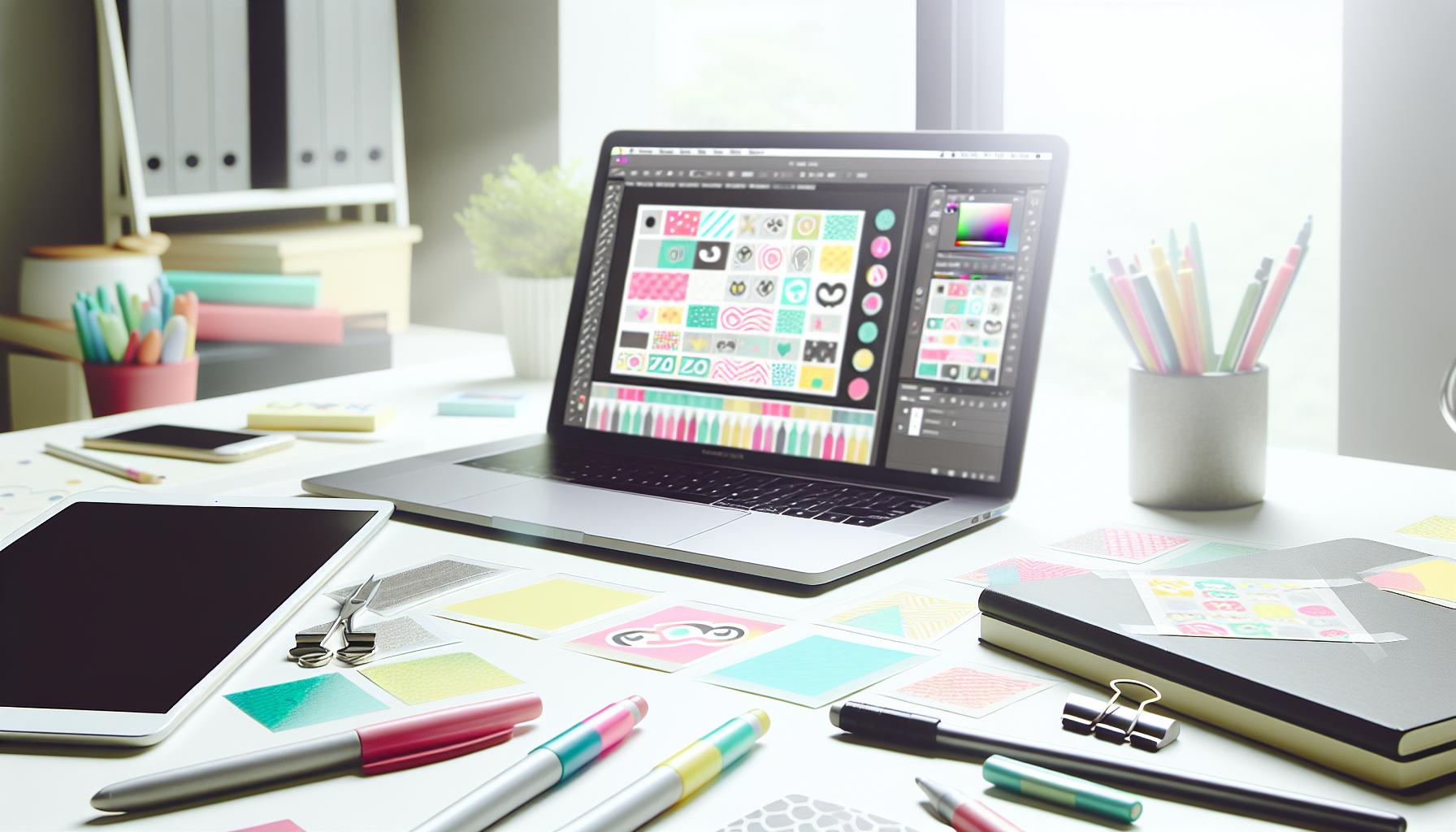
Integrating Digital Washi Tape into Your Favorite Apps
can elevate your planning game immensely. Imagine being able to add that personal touch to your digital planners, making everyday tasks not just organized, but visually exciting. To get started, choose apps that support layering and image customization, like GoodNotes, Notability, or Canva. These platforms allow you to import your digital washi tape designs so you can access them easily while creating your planner pages.
To use digital washi tape effectively, first import your designs into the app. You can do this by simply dragging and dropping the images if your app supports it, or using the import function. Once your washi tape is in the app, you can resize, rotate, and layer it over other elements. This helps create unique, customized layouts for your planner pages. For instance, you might stack different patterns to create a festive border for a special event or overlay a transparent washi tape over text to emphasize important information without overshadowing it.
One of the best aspects of integrating digital washi tape is the opportunity for seamless blending of digital elements. For example, in GoodNotes, you can combine your washi with digital stickers, highlighting tools, or even handwritten notes. This not only beautifies your pages but also enhances functionality. You can use washi tape to visually separate sections in a journal entry or as a decorative element that makes bullet points stand out.
Don’t hesitate to get creative with how you incorporate washi tape into your regular workflow. Consider setting up a weekly template where you use different styles of washi tape to signal different priorities, such as urgent tasks, meetings, and personal appointments. By making these visual distinctions, you will not only make your planner more engaging but also streamline your planning process, fostering better productivity habits.
Ultimately, integrating digital washi tape is about finding joy in your planning. Whether for aesthetic pleasure or functional clarity, using washi tape can transform how you interact with your apps daily. Embrace the flexibility of your chosen platform and let your creativity flow-your digital planner is your canvas.
Exploring Popular Styles and Themes for Digital Washi Tape
Digital washi tape isn’t just a tool for decoration; it’s an art form that allows you to express your personality and creativity within planners and digital spaces. When exploring popular styles and themes, you’ll find a vibrant array that caters to various tastes and purpose. The right design can elevate your projects, turning mundane tasks into exciting visual experiences.
One popular style includes floral designs, which can brighten up any planner page. Think delicate pastel blooms or bold, vibrant flowers that create a lively, cheerful look. These tapes are versatile, suitable for spring themes, journaling, or even as borders for notes. Another hot trend is geometric patterns-clean lines and modern shapes that can complement minimalistic planners. Use these designs for organizing sections or highlighting important tasks. They provide a sleek, contemporary touch that resonates well with both professional settings and casual planning.
In addition to these, seasonal themes are a fantastic way to keep things fresh. You can find digital washi tape designed specifically for holidays like Halloween, Christmas, or even summer beach vibes. Incorporating these thematic tapes can help instill seasonal spirit into your planning and make it feel joyous and relevant. For example, autumn-themed washi featuring warm tones and leaves can enhance your fall planning setup.
Don’t forget about personalized designs! Many artists offer customizable digital washi tape, allowing you to add your name, initials, or favorite quotes. This adds a unique touch to your planners and reflects your individuality. You can even create a cohesive aesthetic by choosing designs that align with your specific style, helping to create an inviting and inspiring digital workspace.
Explore various sources to find the right styles for your needs. Whether you’re searching for pre-made options on digital stores or templates that allow customization, engaging with these designs can greatly enhance your planning habits. Dive into the world of digital washi tape, and let your creativity flourish!
Customizing Colors and Patterns: Tips and Tricks
When creating digital washi tape, customizing colors and patterns can truly make your designs stand out. Colors evoke emotions and set the tone for your projects. For instance, warm colors like red and yellow can energize and excite, while cooler shades like blue and green offer tranquility and balance. To find the perfect color palette, consider using tools like Adobe Color or Coolors, which help you create harmonious color schemes. You’ll be amazed at how a well-chosen color combination can transform a simple design into something eye-catching and inviting.
Patterns add texture and depth to your digital washi tape. Start with some basic patterns-stripes, polka dots, or chevrons-that you can easily manipulate. But don’t stop there! Experiment by layering patterns to create complex visuals. For instance, try overlaying floral designs on a subtle geometric base to create an engaging contrast. Make sure to adjust opacities to allow underlying patterns to peek through, adding richness to your tape. Keep in mind that less can be more; sometimes a single striking pattern with bold colors can have a powerful impact.
When customizing, always think about your intended audience or personal style. If you’re making washi tape for a planner group that loves minimalism, stick to soft pastels and simple designs. On the other hand, if you’re catering to those who enjoy vibrant aesthetics, don’t hesitate to mix bright colors with intricate patterns. You can even take inspiration from seasonal trends; for example, using oranges and browns for fall themes or bright and cheerful colors for summer.
Lastly, be sure to test your designs in the context they’ll be used. Create mock-ups by placing your washi tape in a digital planner layout to see how it interacts with the planner’s elements. This will give you a visual idea of how the colors and patterns will look in use, helping you fine-tune your creations for maximum impact. Remember, customization is your playground-enjoy the process and let your creativity shine!
Where to Find Free and Paid Resources for Digital Washi Tape
Finding resources for creating digital washi tape can be a game changer for anyone looking to elevate their planner designs. Whether you’re a seasoned designer or just starting out, there are numerous platforms that offer both free and paid options. These resources will not only help you spark your creativity but also save you valuable design time.
To kick things off, consider reputable graphic resource websites where you can discover high-quality images and design elements. Platforms like Freepik are great for free downloads, offering a wide range of digital washi tape vectors, stock photos, and graphics that can enhance your projects. Many of these assets are free for commercial use, so you can use them in your creations without any legal worries. Visit Freepik’s digital washi tape section to explore various styles and find the perfect designs for your needs.
On the other hand, if you’re looking for something more unique or custom-made, checking out shops specialized in digital stationery might be your best bet. Websites like The Dash Planner provide vibrant and themed digital washi tape collections. Their offerings, such as Pink, Purple, Gray, and Silver Foil tapes, are designed specifically for planners, making them a valuable resource for crafting eye-catching layouts. You can view their collection here.
For those who want to create their own designs from scratch, software like Adobe Illustrator or Procreate is essential. Numerous online tutorials on platforms like YouTube can guide you through the basics of digital design. You can also find community forums and Facebook groups dedicated to digital planning where members share their resources, tips, and tricks. Engaging with the community not only inspires creativity but also connects you with those who have access to exclusive resources.
In conclusion, the digital washi tape landscape is rich with options, whether you’re after free images or premium designs. By exploring these resources and tools, you’ll be well on your way to creating stunning digital washi tape that fits your personal style and planner aesthetics. Happy designing!
Marketing Your Digital Washi Tape Designs
Marketing digital washi tape designs isn’t just about putting up a shop and waiting for customers to arrive; it’s about creating a brand that resonates with your audience. Digital planners and scrapbookers are passionate about their craft, and tapping into that energy can transform your designs from mere products into beloved tools for creativity.
Start by identifying your target audience. Are they students, busy professionals, or crafting enthusiasts? Tailor your messaging to speak directly to their interests. Use visuals that showcase your tape in action-mockups of planners adorned with your designs can capture attention better than static images. Platforms like Etsy and Instagram are fantastic for this kind of marketing, where aesthetics matter. Create vibrant posts that highlight your digital washi tape being used in real-life scenarios, focusing on how it enhances the planning experience.
Engagement isn’t just a buzzword; it’s essential. Build a community around your brand by leveraging social media. Host challenges, share user-generated content, and interact with your followers regularly. Ask them how they use your products or what themes they’d like to see next. This not only makes your customers feel valued but also gives you direct insight into market trends and preferences.
Consider promotional strategies that encourage repeat purchases. Offering bundles or discount codes on socials can entice new customers to try out multiple designs. Since your products are digital, think about implementing a referral program where satisfied customers can share their experiences and receive rewards for bringing in new buyers. Regularly update your collections to keep your offerings fresh and exciting.
Lastly, collaborate with influencers in the digital planning community. They can showcase your products to a broader audience, and a positive review from them can significantly boost your credibility. Choose influencers that share your aesthetic and values for authentic promotion. Remember, marketing is about building relationships, so take the time to nurture these connections. By genuinely engaging with your audience and continuously refining your strategies, you’ll carve out a niche in the digital washi tape market that stands out and thrives.
Troubleshooting Common Issues in Digital Washi Tape Creation
Creating digital washi tape is meant to unleash a wave of creativity, but it often comes with its own set of challenges. Many creators dive into the process only to face issues that can be frustrating and demoralizing. From mismatched dimensions to design glitches, here’s how to troubleshoot common problems you might encounter while designing digital washi tape.
One frequent issue is aspect ratio and sizing. If your tape looks squished or stretched in digital planners or apps, it’s likely due to incorrect dimensions. Always start by knowing the exact sizes required by the platform where your designs will be used. Use a grid or guidelines in your design software to keep everything proportionate. If you’ve already created your tape, consider using layers in Photoshop or an equivalent tool to adjust the aspect ratio without losing design quality.
Another common pitfall is color consistency and blending. Your colors might look stunning in your design software but appear dull or off when transferred to another app. This often results from different color profiles. Use RGB for digital art, and check how your colors look in the environment they’ll be displayed in. If you’re using gradients or patterns, test them on various backgrounds to ensure they maintain their vibrancy. You may want to create color swatches to keep your palette consistent across different designs.
Don’t forget about file formats; this can also trip you up. Many apps prefer PNG or TIFF formats for digital stickers and washi tape because they maintain transparency. JPEGs might not cut it if you want clean edges and no background. Keep your original files in a high-resolution format and export them properly to avoid any quality loss.
Lastly, if you find yourself struggling with user feedback, embrace it! Sometimes the best insights come from those using your designs. Engage with your community on social platforms to understand what might not be working for them. Use surveys or direct messages to glean specific opinions. This way, you turn potential negative feedback into constructive criticism that enhances your future designs.
By keeping these tips in mind, you can navigate the hurdles of digital washi tape creation and produce delightful designs that genuinely resonate with your audience. Don’t shy away from experimenting and learning; every mistake is a step towards mastering your craft!
Examples of Stunning Digital Washi Tape in Action
When it comes to showcasing digital washi tape, the possibilities are truly endless. Imagine your planner transformed into a vibrant canvas, where each strip of tape tells a story or adds a personal touch. Stunning examples of digital washi tape in action can inspire you to unleash your creativity, whether for daily planning, special occasions, or creative journaling.
Take planners, for instance. Using digital washi tape to differentiate sections or highlight important tasks can elevate the organization level. Try using floral patterns for a spring-themed planner layout. You might create a series of pastel floral tapes and layer them on a clean, white background. This not only makes your pages visually appealing but also helps in maintaining focus and adding motivation throughout your planning process.
Another exciting way to utilize digital washi tape is in mood tracking. For someone looking to express emotions through their planner, incorporating colorful tape designs can add a fun twist. You could use rainbow stripes to represent different moods-bright yellow for joy, cool blue for calm, and vibrant red for passion. Each tracker’s tape can be a reflection of your journey, making the process of recording your feelings engaging and delightful.
Moreover, let’s not overlook the power of customization. Combine various patterns-like geometric shapes with soft watercolor effects-to create a unique look that resonates with your style. Mixing and matching allows you to express your personality more effectively. Whether you’re creating stickers, hand-lettering your notes, or decorating a digital scrapbook, being inventive with digital washi tape adds depth and flair to your creative projects.
Ultimately, digital washi tape isn’t just for aesthetics; it’s about crafting an experience. It enriches your planning routine and allows your personality to shine through. As you explore these examples, remember that the best design often comes from experimentation and play. So, dive in and let your imagination run wild!
Inspiration from the Digital Planner Community
The digital planner community is a treasure trove of creativity and inspiration, especially when it comes to crafting stunning digital washi tape. You’ll find enthusiasts sharing their unique designs, tutorials, and innovative ways to incorporate washi tape into their planning rituals. The vibrant exchange of ideas lets you tap into a wealth of styles and techniques that can elevate your own digital planning game.
A quick scroll through platforms like Pinterest reveals countless creators showcasing their work with digital washi tape. Whether it’s mood trackers, weekly spreads, or seasonal layouts, you’ll see how others use these decorative elements to personalize their planners. For instance, many blend color palettes and patterns that resonate with specific themes-think cozy autumn colors for fall or pastel shades for spring. You might even find inspiration for using washi tape in bullet journaling, enhancing your layouts with texture and dimension that digital tools often lack.
Moreover, social media groups and forums focused on digital planning are buzzing with ideas for using washi tape in clever and unexpected ways. Users share tips on combining vast patterns or even customizing designs to express their brand or style. Collaborations among digital creators lead to the development of unique collections, allowing you to expand your own toolkit. Engaging with these communities can spark your imagination and lead to exciting projects that reflect your personal touch.
Don’t hesitate to participate in these communities! Share your creations, seek feedback, or simply browse to absorb new trends and techniques. You’ll soon find that inspiration is contagious and often motivates new projects or enhances your current work. Embrace the diverse ideas from fellow planners and let them fuel your creativity in designing beautiful, functional digital washi tape that makes your planning process both enjoyable and aesthetically pleasing.
FAQ
“`markdown
Q: How do you create a digital washi tape design from scratch?
A: To create a digital washi tape design, start by choosing a design app like Procreate or GoodNotes. Use brushes for texture and patterns, and layer colors to achieve depth. Make sure to save your work in PNG format for transparent backgrounds, which enhances versatility in planners.
Q: What are the best apps for using digital washi tape?
A: The best apps for using digital washi tape include GoodNotes, Notability, and Canva. These platforms allow for easy integration of digital stickers and washi tape into your digital planning. Explore their features to customize your designs effectively.
Q: Can you print digital washi tape for physical planners?
A: Yes, you can print digital washi tape for physical planners. Simply save your digital designs as high-resolution images, then print them using adhesive paper. This way, you can enjoy the aesthetic of washi tape in your physical planners too.
Q: What materials do I need to make digital washi tape?
A: To make digital washi tape, you’ll need a design app (like Procreate), a stylus, and a tablet or computer. Additionally, consider using digital brushes that mimic textures and patterns typical of traditional washi tape for a more authentic look.
Q: How can I customize my digital washi tape patterns?
A: You can customize digital washi tape patterns by manually drawing unique designs or altering existing templates. Use different brushes, colors, and styles to create variations. Explore online resources for inspiration and tools to diversify your designs.
Q: Where can I find free templates for digital washi tape?
A: Free templates for digital washi tape can be found on websites like Etsy, Design Bundles, and various digital planner communities. Look for design blogs that offer free downloads, ensuring you have a diverse range of styles to work with.
Q: What is the best way to market my digital washi tape designs?
A: To market your digital washi tape designs, consider showcasing your work on social media platforms like Instagram and Pinterest. Create engaging content to attract followers, and sell your designs on marketplace platforms like Etsy to reach a broader audience.
Q: Are there any common mistakes to avoid when creating digital washi tape?
A: Common mistakes in creating digital washi tape include using low-resolution images, neglecting transparency, and over-complicating designs. Focus on simplicity and clarity for the best digital experience, and make sure your final products are high-quality and easily usable.
“`
Wrapping Up
Now that you know how to make stunning digital washi tape for your planners and apps, it’s time to unleash your creativity! Don’t let your designs sit idle; start crafting your own unique patterns today. Whether you’re sprucing up your digital organization tools or enhancing your artistic projects, your newly acquired skills can make a significant impact. If you want more tips, be sure to check out our guides on digital scrapbooking and customizing planner stickers.
Still feeling unsure? Drop your questions in the comments below, or explore our resources for step-by-step videos and templates that can help you get started. For those looking to expand their crafting toolkit, consider browsing our collection of digital supplies along with our newsletter for the latest tips and exclusive offers. Your journey into the world of digital washi tape is just beginning-embrace the adventure and watch your creativity flourish!
Get our latest guides, news, and insights highlighted in your Google Search & AI Overviews.