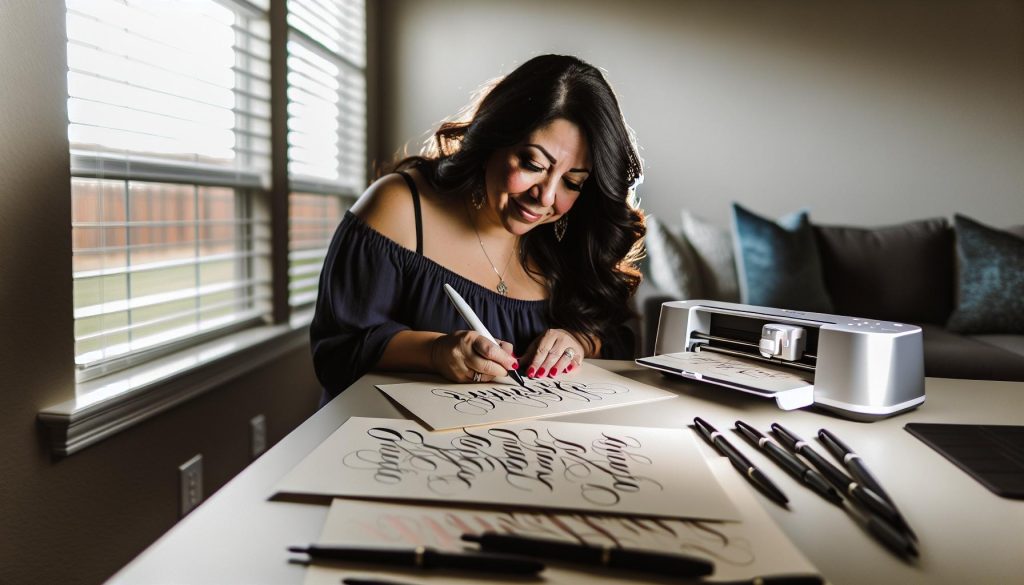
Have you ever wished your crafts could reflect that personal touch that only handwriting can provide? If you’re using a Cricut, you’re in luck! This guide will show you how to use a calligraphy pen with your Cricut machine to create stunning, handwritten designs that stand out. Whether you’re making invitations, personalized gifts, or home decor, adding a handwritten element elevates your projects and makes them feel unique. You don’t need to be a pro; with just a few tips and tricks, you’ll be able to bring your ideas to life in a beautiful, authentic way. Ready to transform your Cricut creations? Let’s dive in!
How Calligraphy Pens Work with Cricut
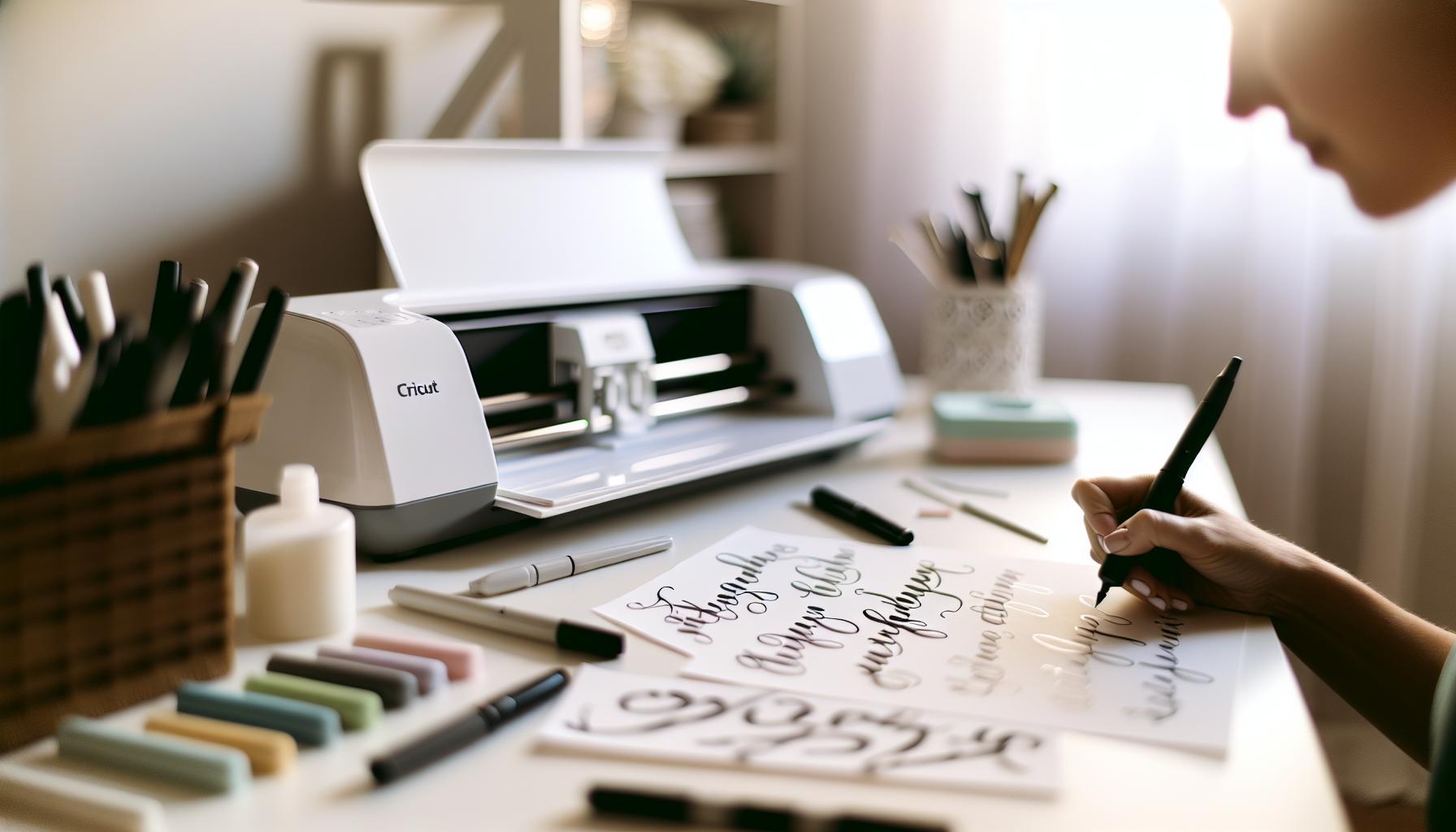
Using calligraphy pens with your Cricut machine opens up a world of creativity, enabling you to add a handwritten touch to your projects effortlessly. The magic lies in the intersection of technology and traditional art; you can achieve beautiful lettering with precision that would be difficult to replicate by hand. At the heart of this process is the design software that prepares your calligraphy strokes. Cricut Design Space allows you to choose fonts that mimic calligraphy styles, transforming your text into stunning, flowing scripts suitable for cards, invitations, or home decor.
To get started, you’ll need a specialized calligraphy pen compatible with your Cricut. These pens are designed to fit into the machine’s writing tool holder, allowing the Cricut to replicate the nuanced strokes associated with calligraphy. Be sure to select a pen that offers the right ink flow for your project. Broad-tipped pens create those dramatic flourishes, while fine-tipped pens are perfect for delicate lettering. It’s essential to conduct a few test runs on scrap materials before diving into your final project. This will help you fine-tune settings such as speed and pressure to match the pen’s characteristics, ensuring smoother results.
Calligraphy with Cricut isn’t just about the lettering; it’s also an opportunity to experiment with different materials. You can use regular cardstock for cards, or go bolder and try acrylic sheets or fabric, depending on your vision. Additionally, remember to consider the weight and texture of your chosen material, as these factors can greatly influence the final outcome. With a little practice and experimentation, you’ll discover how the versatility of calligraphy pens enhances your crafting experience, making it a delightful blend of art and technology.
Getting Started with Cricut Calligraphy Pens
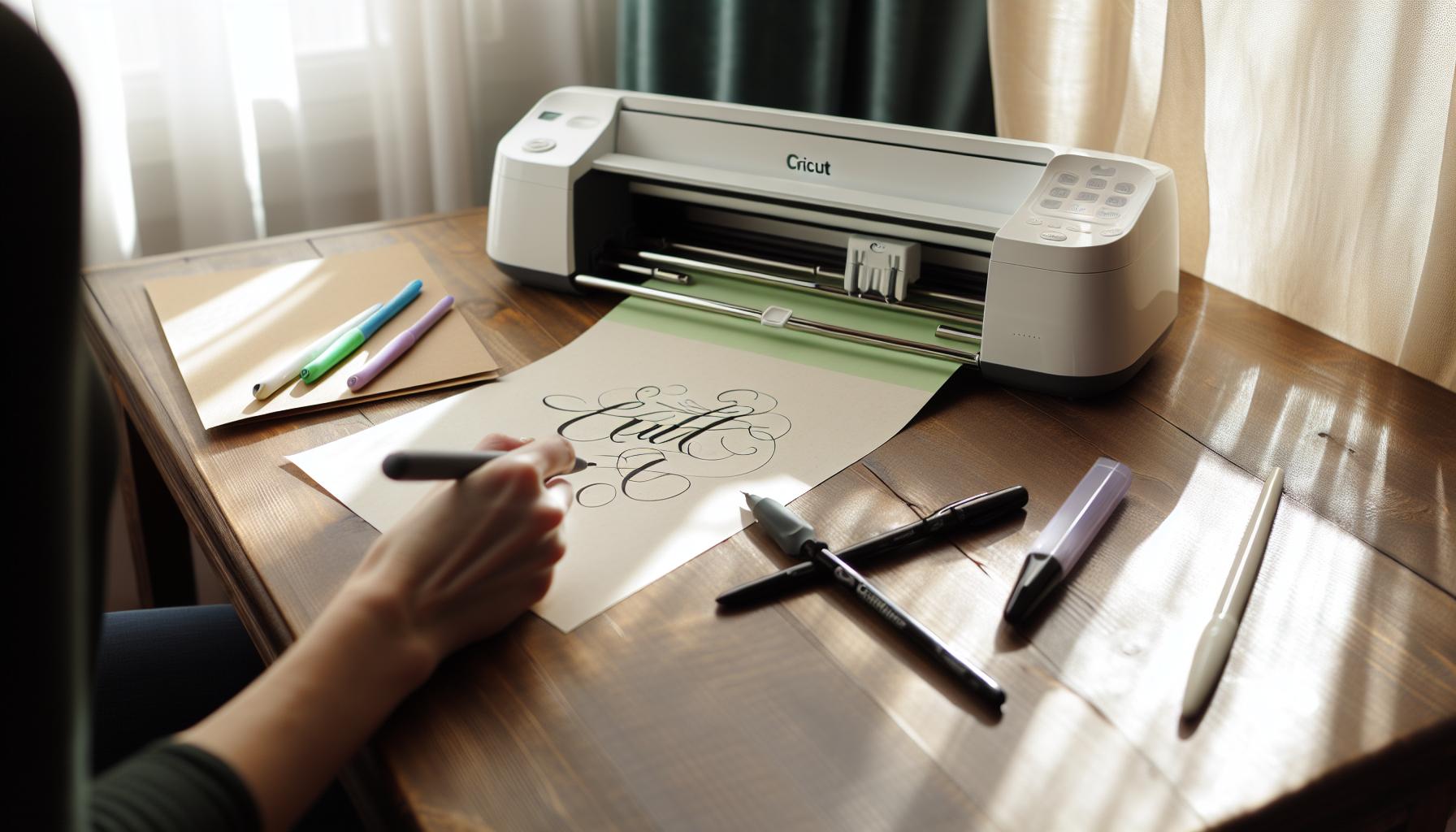
Getting started with using calligraphy pens on your Cricut machine can feel like stepping into a new creative world, where the charm of hand lettering meets cutting-edge technology. The flexibility of the Cricut allows you to easily translate your calligraphy dreams into reality. Before you dive in, it’s essential to equip yourself with the right tools and knowledge for a smooth and enjoyable experience.
First, you’ll need to choose the right calligraphy pens. Cricut-compatible pens come in various types, each ideal for different styles of lettering. Broad-tipped pens create bold, expressive strokes perfect for eye-catching designs, while fine-tipped pens lend themselves better to intricate details and delicate lines. Consider what kind of project you’re working on-whether it’s a wedding invitation, a personalized card, or wall art-and select accordingly. Don’t forget to test the pen on scrap paper to see how it flows and how the colors appear before starting on your final piece.
Next, setting up your Cricut for calligraphy is straightforward, but attention to detail is key. Install your chosen pen in the writing tool holder and adjust your Cricut settings according to the pen’s specifications. This means experimenting with the speed and pressure settings so that the machine replicates the smooth, natural motion of handwriting. For beginners, I recommend starting with lower speeds to avoid mistakes while you get accustomed to the technology.
Lastly, don’t shy away from different materials. While cardstock is a tried-and-true favorite, the Cricut can handle a variety of surfaces like acrylic, vinyl, and even fabric! Each material will interact differently with the ink of your pen, so keep that in mind when planning your projects. Mix up your materials to see what delivers the best results for your creative vision. Engage with your tools, experiment, and soon you’ll be creating stunning handwritten designs that showcase your unique style.
Choosing the Right Calligraphy Pen for Your Project
Choosing the right pen for your calligraphy project can make all the difference in achieving the stunning results you envision. Different types of calligraphy pens can dramatically alter the flow and style of your letters, so it’s crucial to consider your specific needs. For instance, broad-tipped pens are fantastic for creating bold, expressive strokes that capture attention, perfect for invitations or signage where you want your text to stand out. On the other hand, fine-tipped pens are suited for intricate details and delicate scripts, lending themselves beautifully to projects like personalized cards or elegant wedding stationery.
When you’re ready to select your pen, think about the material you’ll be working on as well. Some pens may not perform well on certain surfaces. For example, if you’re using glossy or coated cardstock, an ink that dries quickly and adheres well is essential to avoid smudging. Test your chosen pen on a similar scrap material first to see how it flows and the final look before moving on to your project. This little step can save you a lot of heartache later on if you find that the ink bleeds or doesn’t display as expected.
Here’s a quick guide to some popular calligraphy pen types:
- Brush Pens: Flexible tips that mimic the strokes of traditional calligraphy. Great for beginners and fun for expressive styles.
- Fountain Pens: Ideal for more precise lines and can be refilled with various inks; a classic choice for detailed or elegant projects.
- Gel Pens: Offer vibrant colors and are easy to use for both fine details and bold lines, but may require more drying time.
- Marker Pens: Often used for broader strokes, they’re sturdy and readily available, ideal for quick projects.
Ultimately, your choice should align with your project goals and personal style. Don’t hesitate to explore various pens to discover which ones you feel most comfortable with. The beauty of using your Cricut with calligraphy pens is that you can experiment and create unique handwritten designs that reflect your voice and style, making every project distinctly yours.
Setting Up Your Cricut for Calligraphy
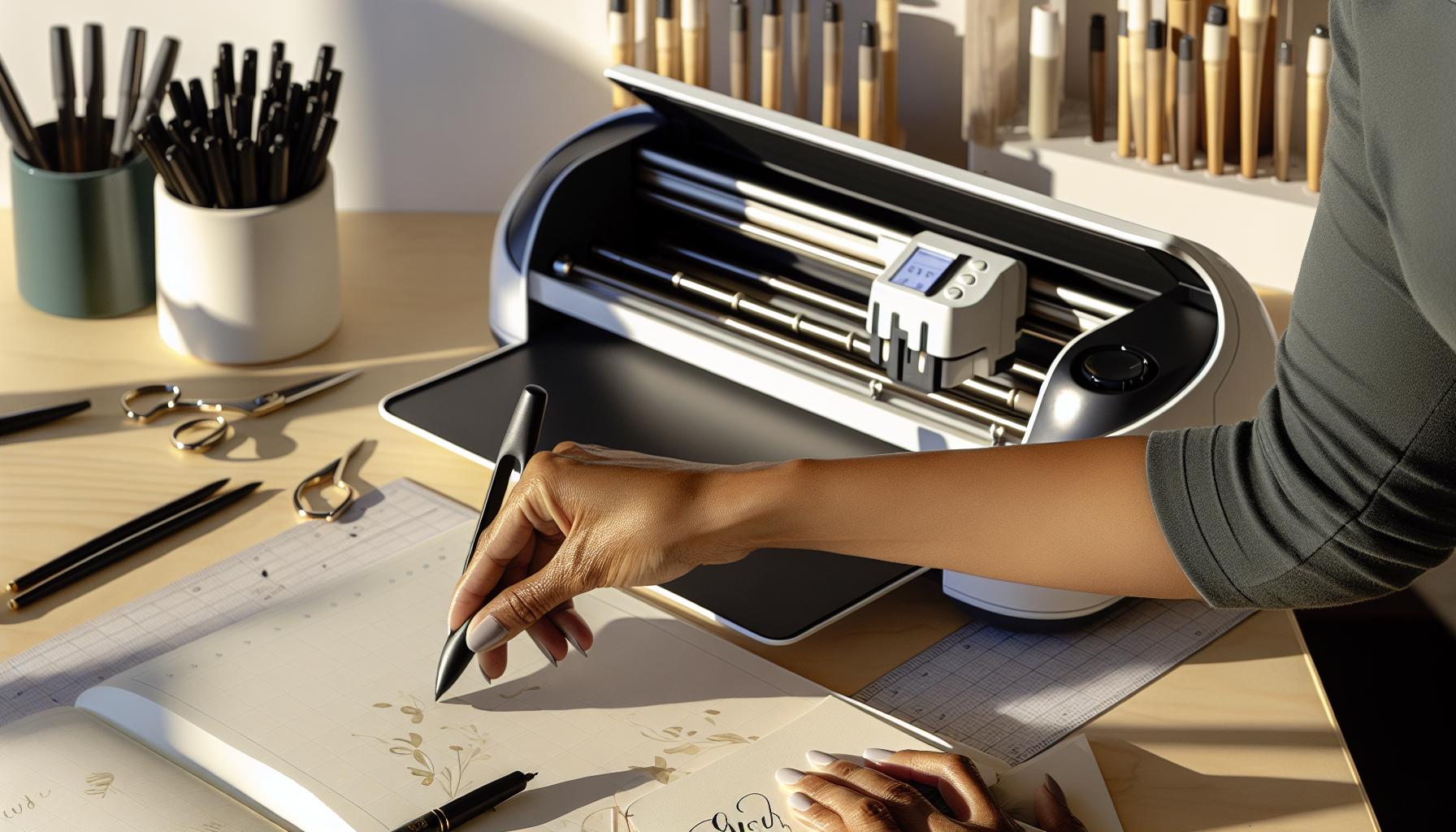
To get started with using your Cricut for calligraphy, you need to set everything up correctly to ensure smooth operation and beautiful results. First, make sure you’ve got the right tools. You’ll want to use Cricut-compatible calligraphy pens designed to fit comfortably in your machine. It’s essential that these pens have a fine enough tip to create the delicate lines typical of calligraphy. Popular options include gel pens, brush pens, and specialty calligraphy markers.
Next, load the pen into your Cricut machine’s writing tool holder. Depending on the model, this might require switching out the blade for the pen holder, which is often included with your Cricut. Be sure to tightly secure the pen to prevent any shifting during cutting or writing. Once the pen is in place, you can load your chosen material into the machine. Keep in mind that the surface you select can affect the appearance of your calligraphy. For best results, use a smooth, high-quality cardstock or paper that can handle ink well.
Before you begin your project, you’ll want to check your design settings in the Cricut Design Space. Select the text you’ve inputted, then change the line type from ‘Cut’ to ‘Draw’ to instruct the machine to write instead of cut. Adjust the speed and pressure settings if necessary, as these can impact how vividly the pen applies ink to the paper. For calligraphy, a slower speed often translates into more controlled and precise strokes.
Finally, perform a test run with a scrap piece of paper to double-check that everything flows smoothly. This practice helps you spot any potential issues without committing to your final material. Once you’re satisfied, you’re ready to create stunning handwritten effects that add a personal touch to your projects. Getting familiar with these steps will set you on the right path to mastering calligraphy with your Cricut. Happy crafting!
Understanding Calligraphy Styles for Cricut Projects
Understanding different calligraphy styles is crucial when you want to leverage the full potential of your Cricut for handwritten effects. Each style can dramatically alter the overall look of your project, influencing how your invitations, greeting cards, or decor will resonate with recipients. If you grasp the nuances of these styles, you can elevate your creations beyond mere text, infusing your designs with personality and flair.
Common calligraphy styles include Modern, Copperplate, Italic, and Brush Script. Each style has unique characteristics and applications:
- Modern Calligraphy: This style embraces freeform and often incorporates flourishes. It’s not strictly adherent to traditional rules, allowing for personal creativity. Great for casual pieces, it works wonderfully with colorful inks or varied pen types.
- Copperplate: Known for its elegance and the use of thin and thick strokes derived from pressure applied to the pen, Copperplate is perfect for formal events. It’s intricate and requires more precision, making it feel luxurious on invitations or formal announcements.
- Italic: This style offers a balance between readability and flair. Its slanted letters make it easy to read, which is why it’s often used in both art and everyday writing. Projects requiring clarity coupled with an artistic touch benefit from Italic scripts.
- Brush Script: As the name suggests, this style mimics the strokes made by a brush. It’s bold and energetic, making it ideal for vibrant designs such as posters or playful cards.
To use these styles effectively with your Cricut, first decide the mood you want your project to convey. Are you aiming for elegance or playfulness? Once you’ve settled on a style, select your calligraphy pen carefully to complement your chosen script. For example, fine-tipped pens work well with modern calligraphy, while medium-tipped pens enhance brush scripts. Adjust settings in Cricut Design Space accordingly to match the complexity of the strokes. If you’re trying a new style, don’t hesitate to do test runs, refining your technique as you go. This hands-on experimentation will not only improve your skills but also ensure that you achieve the stunning, personalized effects you desire.
Tips for Achieving Beautiful Handwritten Effects
To create stunning handwritten effects with your Cricut calligraphy pens, mastering a few key techniques can make all the difference. First, consider the pressure application. Applying varying pressure while the pen moves can yield beautiful thin and thick strokes, essential for creating that authentic calligraphic appearance. Practice this with different pen types to discover which ones give you the best results. Remember, a light touch works wonders for delicate lines, while firmer pressure can add bold flair.
Another critical aspect is your feed rate. The speed at which your Cricut moves the pen can drastically affect the outcome. If it moves too quickly, it might not achieve the intended effect; too slow, and you may smudge or overly ink certain areas. Experiment by adjusting the speed settings in Cricut Design Space, finding a balance that suits your style and the specific pen you’re using.
Don’t overlook testing your designs. Before diving into a big project, run a few test pieces to see how your chosen pen interacts with your paper. This trial run allows you to gauge the pen’s performance, making adjustments to the design or settings as needed. If you notice inconsistencies, tweaking the font size or even the pen angle during cuts can lead to improved outcomes.
Lastly, it’s all about practice-the more you create, the more you’ll refine your technique. If you encounter mistakes, consider them learning opportunities. Each project enhances your skills, helping achieve that sought-after handwritten charm. By integrating these tips, you’ll find yourself effortlessly incorporating beautiful calligraphy into your Cricut projects, turning ordinary creations into extraordinary pieces of art.
Common Mistakes When Using Calligraphy Pens
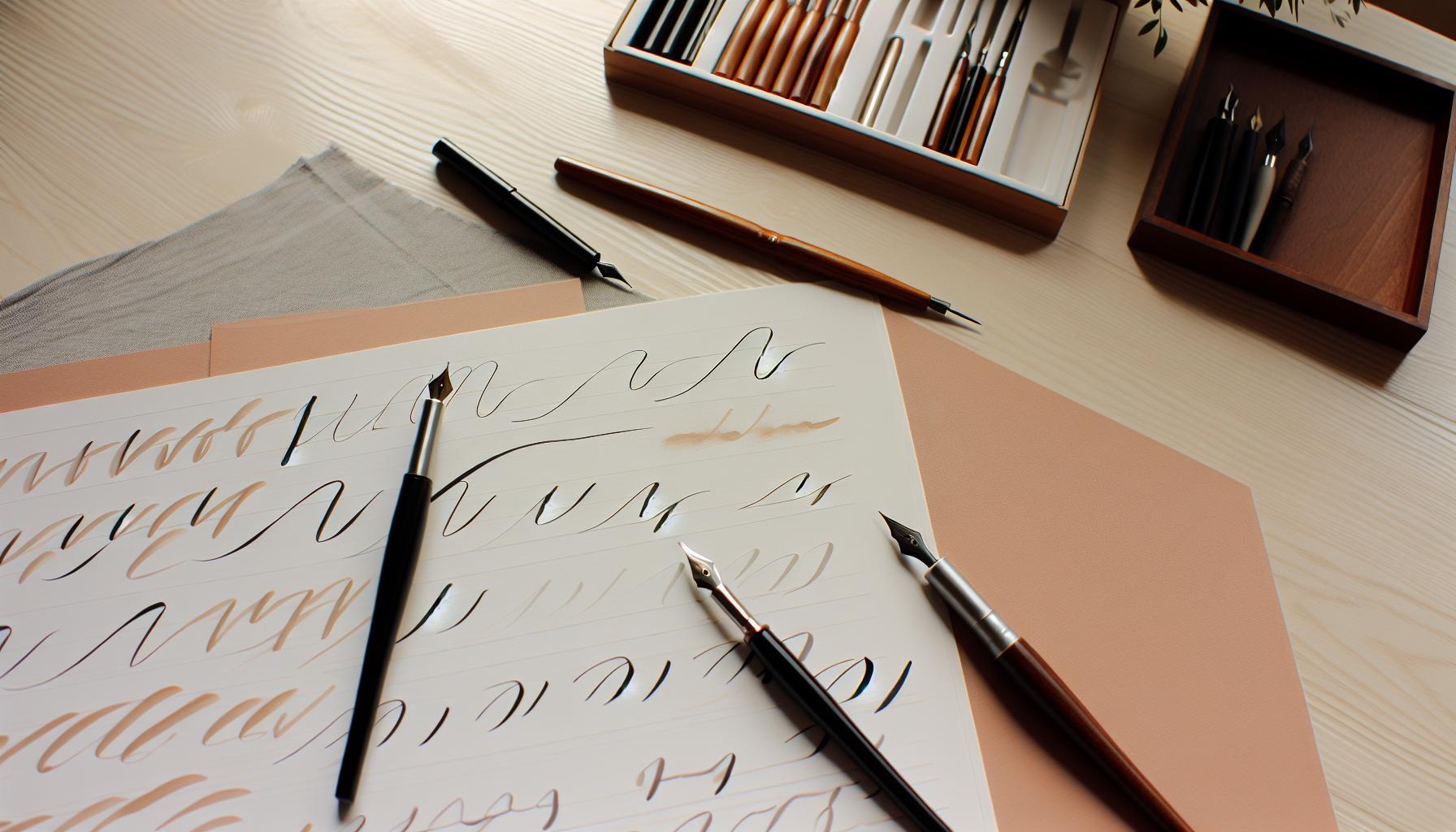
When working with calligraphy pens on your Cricut, even seasoned creators can trip over common pitfalls that can ruin the elegance of your projects. One significant mistake is neglecting to match the pen’s type to your project. Different pens produce varied line qualities; using a fine liner for thick, brush-like strokes can lead to disappointing results. Always test your pen on the material you intend to use to see how it interacts with your paper or cardstock.
Another area where many falter is in the setup of their Cricut. Failing to adjust the pressure settings can result in either overly faint lines or heavy, unmanageable strokes. It’s crucial to experiment with different pressure levels. A good practice is to adjust the settings based on how the pen responds during test runs. Keep in mind, too, that the type of medium you’re using impacts the settings; for instance, heavier cardstock might need more pressure than lighter paper.
Also, watch your feed rate. If your Cricut moves too fast, the pen may not keep up, resulting in breaks in the line or smudging. Conversely, if it moves too slowly, ink might bleed. Striking the right balance can take time, so don’t hesitate to play around with your speed settings until you find what works best.
Lastly, many crafters overlook the importance of proper maintenance and care for their calligraphy pens. Clogged tips or dried ink can easily ruin a project mid-way. Make it a habit to clean your pens after each use or whenever changing colors. This small routine can save you frustration and ensure consistency in your designs. By addressing these common missteps, you’ll enhance the beauty of your calligraphy work and more fully enjoy the creative process with your Cricut.
Advanced Techniques for Professional-Looking Calligraphy
To elevate your calligraphy projects with a Cricut, mastering advanced techniques can truly set your work apart. Think of it this way: your Cricut is an extension of your creative hand, and with the right adjustments, it can produce stunning, professional-quality calligraphy that mimics the warmth and charm of traditional hand lettering.
Start by experimenting with various pen types. Not all calligraphy pens are created equal, and each can drastically change the outcome. Brushes, for instance, offer a beautiful, flowing stroke that mimics the effect of brush calligraphy. In contrast, gel pens can provide crisp, defined lines, perfect for more delicate lettering. Invest time in creating test swatches that allow you to see first-hand how different pens perform on your chosen materials.
Consider leveraging the power of layering techniques. This involves using your Cricut to create shadows or outlines. For instance, write your main phrase in a light color and then offset it with a slightly darker version of the same word. This method adds depth and dimension to your projects, making them visually striking. You can also experiment with varying the speed settings of your machine. Slower speeds often create smoother and more controlled strokes, which can be especially beneficial for intricate designs.
Another technique worth mentioning is creating custom paint pens by refilling clear markers with your favorite inks or watercolors. This allows for unique color combinations and consistency across large projects. Plus, maintaining your pens is crucial; clean tips ensure consistent flow, preventing unexpected blotches that can detract from an otherwise perfect piece.
Finally, don’t overlook the importance of using the right materials for your projects. High-quality paper or cardstock can significantly impact the appearance of your calligraphy. It should have a smooth surface to allow the ink to flow freely without bleeding, ensuring that your final design looks polished and professional. Integrating these advanced techniques into your workflow will not only enhance your calligraphy skills but also make your projects stand out in the crowd.
Creative Project Ideas Using Calligraphy with Cricut
If you want your Cricut projects to really pop, integrating calligraphy is a fantastic way to add a personal touch. Imagine crafting stunning invitations, custom greeting cards, or beautiful home décor pieces that look like they were handwritten by a master calligrapher. The versatility of your Cricut combined with calligraphy pens opens up a world of creative possibilities.
One great project idea is to create personalized name signs or place cards. For a special occasion like a wedding or dinner party, you can write guests’ names in elegant calligraphy on high-quality cardstock. This not only makes for a great memento but also elevates the overall ambiance of your event. Remember to experiment with different papers; textured or sparkly cardstock can add an extra flair to your calligraphy.
Another fun idea is to design custom quotes or phrases to display in your home. You could frame a favorite saying and embellish it with decorative elements that match your decor style. A piece of calligraphy art can become a lovely focal point in a living room or office and make a wonderful gift too.
Don’t overlook everyday uses for your calligraphy skills. Think about labeling jars in your kitchen with calligraphy tags or designing cheerful reminders for your workspace. These small touches not only keep you organized but also inspire creativity daily. Plus, creating seasonal decorations can be a rewarding project; imagine crafting a series of quotes or names for holidays using festive colors and styles to rotate throughout the year.
By combining your Cricut with calligraphy, you can craft projects that are not just functional but also infused with personality and style. The only limit is your imagination! Whether for personal enjoyment or special gifts, the handwritten touch of calligraphy will always stand out.
How to Maintain and Care for Your Calligraphy Pens
To get the most out of your calligraphy pens, proper maintenance is crucial. Taking care of these tools not only ensures their longevity but also helps you achieve the best results in your projects. Here are some straightforward tips to keep your calligraphy pens in top shape.
First off, always store your pens horizontally. This prevents the ink from pooling at one end, which can cause inconsistent flow or even clogging. If your pen comes with a cap, make sure to secure it tightly after each use to avoid the ink drying out. Additionally, for brushes or other specific types, occasionally cleaning the nibs is essential to remove any dried ink that may affect your strokes. Use a damp cloth or a paper towel to gently wipe away residue, ensuring that you don’t damage the bristles.
Another common mistake is neglecting the ink supply. Keep an eye on how much ink is left in your pens; running them dry can lead to damage. If you notice a decline in flow or quality, consider refilling or replacing the ink as needed. Additionally, don’t forget to check the manufacturer’s recommendations for specific cleaning solutions, as certain inks may require special care.
Finally, never hesitate to test your pens before starting on your actual project. Doing a few practice strokes on a scrap piece can help ensure everything is working smoothly. If you notice any issues, troubleshooting early can save you a lot of frustration down the line. By following these simple maintenance guidelines, your calligraphy pens will be ready to help you create beautiful, handwritten designs with your Cricut every time.
Inspiration: Stunning Examples of Cricut Calligraphy
There’s something truly magical about adding a handwritten touch to your projects. Using Cricut calligraphy pens can elevate your designs from conventional to extraordinary. When you explore stunning examples of what’s possible, you’ll likely spark new ideas for your own creations. Picture invitations with names beautifully scripted, personalized greeting cards, or decorative wall art that exudes warmth and personality. These projects show how the elegance of calligraphy can transform any crafting endeavor into a masterpiece.
Take greeting cards, for instance. Incorporating intricate calligraphy can make even the simplest card feel heartfelt and unique. Imagine creating a wedding invitation where the couple’s names flow artfully across the top, or a birthday card with a loving message that stands out due to its graceful lettering. You can even experiment with blending calligraphy styles; cursive for names paired with block letters for the date can create a wonderful visual contrast.
Another area to explore is creating custom home decor. Wall art that features inspirational quotes in beautiful script can not only enhance your living space but also serve as a daily reminder of positivity. You can also personalize items like mugs and coasters with handwritten phrases. The combination of your Cricut’s precision and the unique touch of calligraphy will undoubtedly impress your friends and family.
Don’t hesitate to look at online communities for inspiration. Many crafters share their projects on platforms like Instagram and Pinterest, showcasing innovative uses of Cricut calligraphy. You might find a simple yet effective layout or a unique way to tie in your handwritten elements with other embellishments. The key is to experiment and infuse your personal style into your creations. So grab those calligraphy pens, unleash your creativity, and watch as your ideas come to life in stunning, handwritten form.
Troubleshooting Calligraphy Issues with Your Cricut
Using calligraphy pens with your Cricut can produce stunning results, but you might encounter a few hiccups along the way. Addressing these issues promptly can save your project and ensure that your handwritten touches look as beautiful as you envision.
One common problem is ink smudging. If you notice this happening, double-check that you’re using the right settings for your pen type. Also, allow the ink to dry completely before handling your project. For extra protection, consider placing a sheet of scrap paper under your project while it’s cutting to catch any stray ink. If you see uneven lines or strokes, make sure your pen is properly secured in the clamp and that your blade is set to the right depth-sometimes an incorrect blade height can cause calligraphy lines to appear jagged.
Another area to look out for is the paper type. If you’re using thicker or textured paper, it might not feed properly, leading to misaligned designs. Testing on a small section of your material or using a different paper that’s a better fit for your pen can often resolve this. Additionally, keep an eye on your pen’s ink level; a drying pen can lead to skipped sections in your design.
You may also face issues with the Cricut not recognizing your pen input. Ensure that your design is set to ‘Write’ in the software, and that your Cricut is equipped with the correct pen holder, as using the wrong one can lead to subpar outcomes. If you’re still experiencing issues, updating your software or calibrating your machine might do the trick.
Embracing the troubleshooting process is key to mastering calligraphy with Cricut. Each challenge presents an opportunity to refine your technique and enhance your project’s finish. Remember, there’s a vast community of crafters online; don’t hesitate to seek advice or solutions from fellow enthusiasts who’ve tackled the same hurdles. With patience and practice, your calligraphy creations will shine just as beautifully as you imagined.
Frequently asked questions
Q: What types of projects can I create with Cricut calligraphy pens?
A: You can create a variety of projects using Cricut calligraphy pens, such as personalized greeting cards, wedding invitations, wall art, and scrapbook layouts. The elegant, handwritten touch adds a unique flair to any design, perfect for special occasions or home decor. Explore creative project ideas in our article!
Q: How do I choose the best paper for calligraphy with Cricut?
A: Choose a smooth, heavyweight paper designed for pens to prevent bleeding and achieve crisp lines. Look for papers specifically labeled for calligraphy or use cardstock for durability. Experimenting with different textures can also enhance your calligraphy effects.
Q: Can I use any calligraphy pen with my Cricut machine?
A: Not all calligraphy pens are compatible with Cricut machines. It’s essential to use pens specifically designed for Cricut, like the Cricut Joy Ink Pen or compatible brands that note their compatibility. Check the manufacturer’s guidelines to ensure perfect results.
Q: How can I fix mistakes made while using calligraphy pens on Cricut?
A: If you make a mistake, try using a white gel pen to cover small errors or reshooting the entire design by adjusting the Cricut settings. Always test your designs on scrap paper first to minimize mistakes.
Q: What settings should I use for calligraphy pens in Cricut Design Space?
A: When using calligraphy pens, select the “Writing” option in Cricut Design Space, and adjust the pressure settings to “Normal” or “More” to ensure even ink flow. You can test different pressures to suit your pen type and design.
Q: Why is my calligraphy pen skipping on my Cricut?
A: Skipping can occur due to insufficient pressure or a clogged pen tip. Ensure the pen is seated correctly in the holder and clean the tip with a damp cloth. Adjust your machine settings to increase pressure if needed.
Q: How do I set up multiple calligraphy styles in Cricut Design Space?
A: To set up multiple calligraphy styles, create distinct text layers in your project, and select a different pen style for each layer. This allows you to mix and match styles effectively, enhancing the overall design.
Q: Can I use Cricut calligraphy pens for drawing as well?
A: Yes! Cricut calligraphy pens can also be used for drawing. Simply select a drawing image in Cricut Design Space and follow the same setup process as with writing, choosing the appropriate pen for the desired effect. Experiment with different designs to maximize your creativity!
In Conclusion
Now that you’ve mastered the art of using a calligraphy pen with your Cricut, it’s time to elevate your projects even further! Incorporating personalized handwritten touches can truly transform your crafts. Remember, practice makes perfect, so don’t hesitate to experiment with different styles and techniques. Whether you’re creating wedding invitations or custom gifts, the options are endless!
To dive deeper, check out our guides on enhancing your Cricut projects with unique fonts from Calligraphr, or explore tips on designing stunning layouts that complement your beautiful writing. If you have questions or want to share your creations, drop a comment below-I’d love to see what you create!
Feeling inspired? Sign up for our newsletter to get more tips and tricks delivered right to your inbox. Keep crafting, and let your creativity flow!
Get our latest guides, news, and insights highlighted in your Google Search & AI Overviews.