
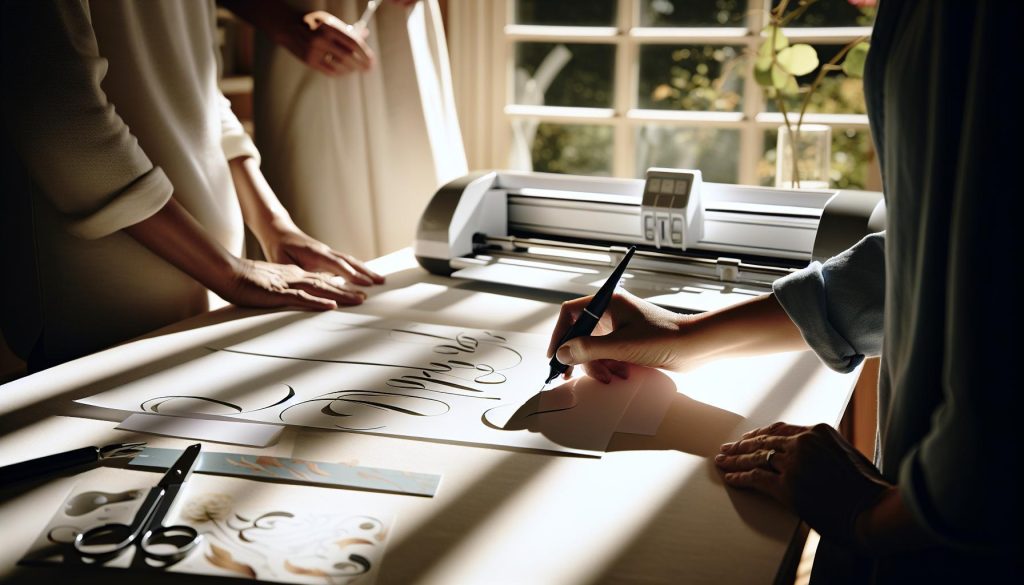
Are you looking to elevate your crafting game? Using the Cricut calligraphy pen can transform your projects from ordinary to stunningly elegant with just a few simple steps. Whether you want to address invitations, create personalized gifts, or just add a unique touch to your designs, mastering this tool opens a world of creative possibilities. Many crafters struggle with handwriting, but the Cricut makes it easy to achieve that beautiful, hand-lettered look without the stress. In this guide, we’ll explore key techniques and insider tips to help you effectively use the calligraphy pen, empowering you to create beautifully designed pieces that impress. Ready to unleash your creativity? Let’s dive in!
Understanding the Calligraphy Pen: Basics You Need to Know
When diving into the world of calligraphy with Cricut, it’s essential to understand the unique features and capabilities of calligraphy pens. These tools are designed to create smooth, flowing lines and elegant designs that mimic handwriting. Unlike regular pens, calligraphy pens have varied nib sizes and tip shapes to achieve different letter forms-from thin, airy strokes to bold, expressive lines. This versatility allows you to add a professional touch to any project, making your designs stand out.
One of the key factors to consider is the pen’s compatibility with your Cricut machine. Cricut offers a range of pens specifically designed for crafting, including calligraphy pens that can effortlessly glide across your chosen medium. It’s important to test different pen types on scrap materials before starting your project to ensure you get the best results. Always remember to check the pen’s fit in the machine; some crafters have reported issues with certain brands not fitting properly, which can lead to unsatisfactory outcomes.
To harness the full potential of your calligraphy pen, familiarize yourself with the different styles and techniques available. Whether you’re aiming for traditional or modern calligraphy, using pens with the right ink flow and tip precision will significantly impact your outcomes. Moreover, don’t forget to explore Cricut Design Space, where you can select fonts optimized for writing with pens. This step is crucial as not all fonts translate well into calligraphy; using those designated as “writing” ensures a more polished appearance instead of “bubble” letters.
In summary, a solid grasp of the tools and techniques available will empower you to create stunning calligraphy designs using your Cricut. With the right pen in hand and a little practice, you can elevate your crafting projects and bring a touch of elegance to your home décor or personalized gifts.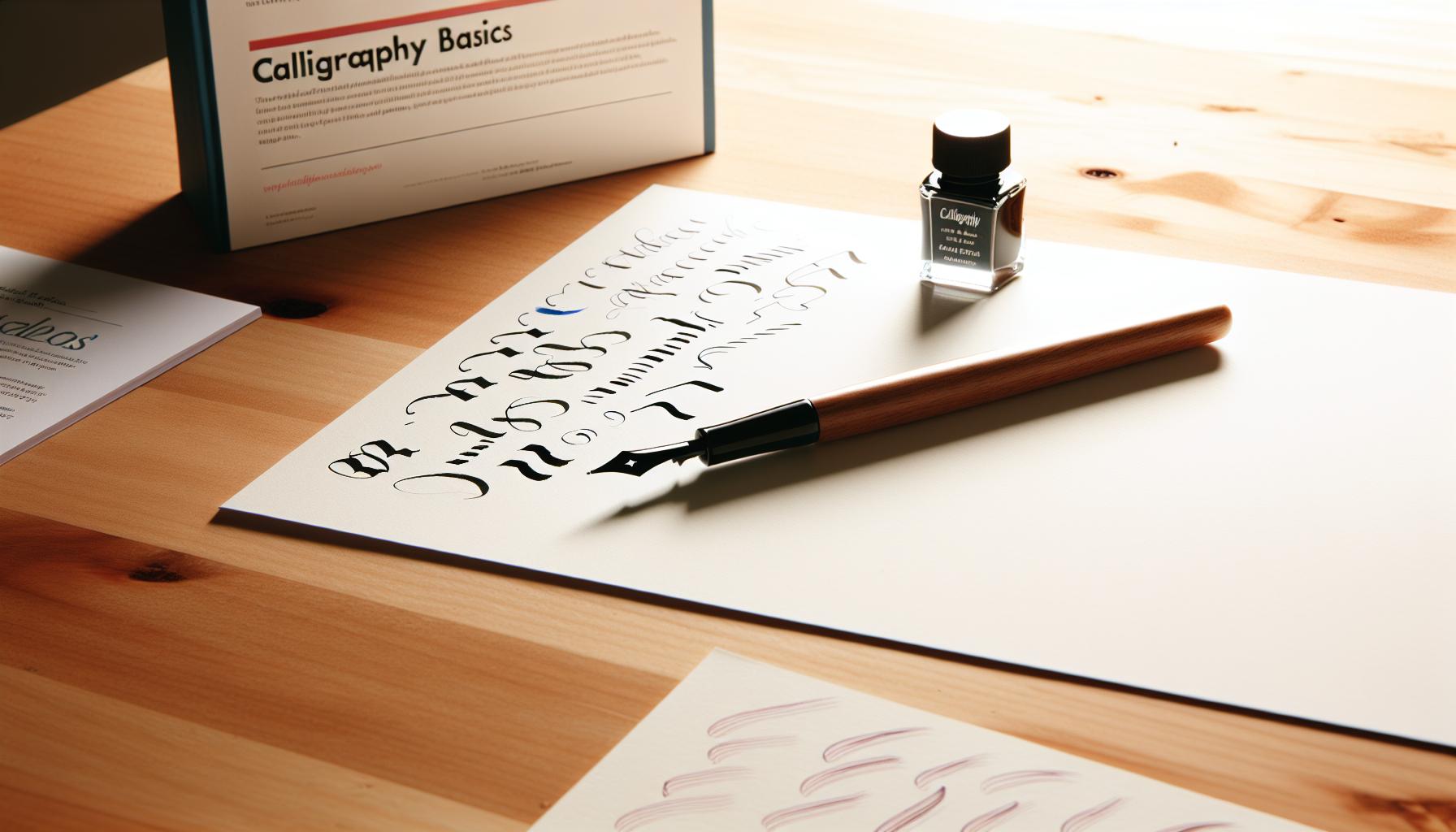
Choosing the Right Calligraphy Pen for Cricut
Choosing the right calligraphy pen for your Cricut can make all the difference between a project that looks handcrafted and one that appears less polished. Not all pens are created equal, and understanding the various types will significantly impact your final results. You want pens that glide effortlessly across the page, delivering consistent ink flow, and creating those beautiful, elegant strokes characteristic of calligraphy.
When it comes to Cricut-compatible pens, look for ones specifically designed for use with cutting machines. Cricut offers a variety of pen types, including calligraphy pens that can yield gorgeous results. For instance, their calligraphy pens have varying tip sizes that let you create both thick and thin strokes, accommodating different styles and techniques. It’s crucial to test several pen types on scrap materials before jumping into your main project, as some pens might not fit or work as expected in your machine.
Another tip is to pay attention to the font options available in Cricut Design Space. Use the “writing” designated fonts; these are crafted to work seamlessly with the pens, providing a polished look without the dreaded “bubble” letters that can result from standard font outlines. Popular fonts like “Dear John” or “Babette” are excellent for further enhancing your calligraphy results. Remember, proper pen selection, alongside a thoughtfully chosen font, can transform your calligraphy projects from ordinary to extraordinary.
In summary, don’t just grab the first pen you see. Consider the type of project, the style you aim to achieve, and how well the pen fits your Cricut. This combination will help you create stunning designs that elevate your crafting game.
Beginner’s Guide to Calligraphy Techniques for Cricut
Mastering calligraphy techniques with your Cricut can transform everyday projects into stunning works of art. Whether you’re designing wedding invitations, personalized gifts, or home décor, understanding the basic principles of calligraphy will elevate your crafting game. One of the first things to get comfortable with is how to position your text properly in Cricut Design Space. Consider using specific “writing” fonts that lend themselves well to the pen’s movement, reducing the chance of creating blobby outlines. Fonts like Dear John and Babette are fantastic choices.
When you’re ready to start writing, it’s essential to prepare your Cricut properly. Load the appropriate pen into Clamp A, ensuring it’s securely in place. Before diving into your main project, test your pen on scrap paper. This will help you gauge the ink flow and dryness, and ensure you’ve selected the right settings in Design Space.
To create beautiful strokes that mimic traditional calligraphy, it’s all about the speed and direction of your machine. If you want bolder lines, try adjusting the speed settings. Slower speeds can yield thicker strokes, which are great for creating that elegant hand-lettered effect. Similarly, utilizing different pen sizes and styles will allow you to add variety to your designs-think about using a thicker pen for downstrokes and a fine tip for delicate touches.
Lastly, don’t underestimate the power of practice. Take time to experiment with different styles and sentiments. Play with spacing and letter positioning through the ungrouping feature, allowing you to manipulate each letter for added flair. With some experimentation and creativity, you’ll soon be creating stunning calligraphy projects that reflect your personality and style. Happy crafting!
Designing Elegant Fonts with Your Cricut Machine
Designing with your Cricut can elevate the art of calligraphy to new heights, transforming ordinary fonts into crafted masterpieces. The beauty of the Cricut machine lies not just in its cutting capabilities but also in its ability to write and mimic the elegance of handwritten designs. To get started, choose fonts specifically designed for writing. These fonts, like Dear John and Babette, create smooth, flowing strokes that make your projects look refined and professional without the frustrating “bubble” letters commonly seen with standard fonts.
When you’re ready to bring your designs to life, ensure your Cricut is set up correctly with the right pen in Clamp A. Take a moment to explore different speed settings; a slower speed can result in thicker, more expressive strokes reminiscent of classic calligraphy. Experimenting with various pen sizes adds dimensionality to your work-use a thicker pen for dramatic downstrokes and a finer one for delicate flourishes. This contrast is the secret sauce to crafting pieces that truly stand out.
The key to achieving the perfect layout is to leverage the ungrouping feature in Cricut Design Space. By ungrouping letters, you can fine-tune their placement, giving you the freedom to enhance spacing and alignment for greater aesthetic appeal. Don’t be afraid to play around; your first attempt might not be perfect, but with practice and experimentation, you’ll discover the unique flow and style that defines your artistic voice.
Remember, the secret to mastering calligraphy with your Cricut lies in patience and practice. Embrace your creativity, and don’t hesitate to try different styles and techniques. With time, you’ll turn everyday crafting into extraordinary expressions of art that reflect your personal flair. Happy designing!
Creating Custom Calligraphy Designs for Home Décor
Creating custom calligraphy designs for your home décor with the Cricut can truly transform your living space. Picture this: personalized quotes on your wall, elegant lettering on a placemat, or stylish labels on jars that not only keep things organized but also serve as beautiful visual elements. The best part? You don’t need to be a professional calligrapher to produce stunning results.
Start by brainstorming what messages or designs resonate with you. It could be a motivational quote, a family name, or even seasonal decorations. Use your Cricut Design Space to play around with different fonts. Fonts like Dear John and Babette create smooth strokes reminiscent of traditional calligraphy, perfect for home displays. Consider adjusting the size to fit your chosen medium-whether it’s a wooden sign or a framed canvas. Another tip: don’t forget to layer your designs; adding a shadow or a contrasting background can enhance the depth and sophistication of the final piece.
Once you’ve settled on your design, choose the right material. For a classic home décor look, wood, cardstock, or even canvas works beautifully. When using the Cricut pens, ensure you select the appropriate pen size and type for the effect you want. Thicker pens are perfect for bold statements, whereas finer ones are ideal for intricate details. Additionally, play with writing speeds; a slower speed results in thicker, richer strokes that can mirror the elegance of hand lettering.
Finally, make the finishing touches stand out. If you’re adding these pieces to a gallery wall, consider mounting them on colored backgrounds or framing them to create a cohesive look. Using contrasting colors can make your calligraphy pop, serving as both art and decor. By carefully selecting your designs, materials, and presentation, you can breathe life into your home with unique, heartfelt calligraphy that reflects your personality and style. Happy crafting!
Tips for Mastering Calligraphy with Cricut
Mastering calligraphy with your Cricut can take your crafting to another level, offering a way to create beautiful, heartwarming designs with precision. One of the best ways to ensure success is by experimenting with different Cricut pens. Each pen type delivers a unique stroke; for instance, thicker pens create bold highlights, while finer pens offer delicate detailing. Always test your pens on scrap paper to gauge the results-this helps you figure out what suits each project best.
Another crucial aspect is the choice of fonts in Cricut Design Space. Using fonts specifically designed for writing, like Dear John or Babette, allows your designs to mimic the elegance of hand-lettered calligraphy. As you’re creating your projects, don’t hesitate to play around with the size and spacing of your text. By utilizing the “Ungroup to Letters” feature in Design Space, you can fine-tune the arrangement to achieve a more dynamic look.
Equally important is the material selection. Experimenting with cardstock, wood, or even canvas can significantly alter the feel of your project. Each material will interact differently with your pen choices and settings, so pay attention to how they respond during the writing process. Additionally, adjusting the speed of your machine can influence the thickness of the ink-the faster the speed, the thinner the line, and vice versa.
Finally, embrace layering techniques. Creating depth with shadows or contrasting colors can give your calligraphy a professional finish. When you have everything in place, take a moment to step back and evaluate the overall balance of your design. With practice and patience, you’ll develop a unique style that showcases your personality while crafting stunning calligraphy projects with your Cricut. Happy creating!
Common Mistakes to Avoid with Calligraphy Pens
Using calligraphy pens with your Cricut can transform your projects, but there are a few common mistakes that can hinder your creativity. One major pitfall is assuming that any font will work well with calligraphy pens. While some fonts look stunning when hand-lettered, they may not translate effectively when your machine is writing. Stick to fonts specifically designed for writing or calligraphy, like Dear John or Babette. These fonts will help you avoid unsightly “bubble” letters that occur when the pen outlines a standard font[1].
Another mistake many beginners make is neglecting to test their materials and pen settings. Each pen type delivers a unique finish, and what works beautifully on cardstock may not yield the same results on wood or canvas. Before starting your project, make sure to test different pens on scrap materials to see how they interact. You might be surprised by how much the pen’s thickness or ink flow can affect the overall look of your calligraphy. This experimentation phase can save you time and frustration later on in the process[3].
Finally, don’t overlook the importance of machine settings. Speed can dramatically change the brush strokes, and if you go too fast, you might end up with thin, hard-to-read lines. Conversely, if you go too slow, the ink might bleed or smudge, especially on certain materials. Adjusting these settings for the specific pen and material is crucial for achieving that professional, polished look you seek. Always take a step back and review your results during your tests, so you can adjust accordingly[1].
By avoiding these common mistakes, you’ll find that utilizing calligraphy pens with your Cricut machine becomes a much more rewarding and creative experience. Happy crafting!
Inspiring Project Ideas for Calligraphy with Cricut
If you’re looking to elevate your crafting game, using a calligraphy pen with your Cricut can open up a world of stunning project ideas. Imagine transforming everyday items into unique pieces of art that reflect your personal style. Here are some inspiring project ideas to get you started on your calligraphy journey.
Personalized Gifts
Creating personalized gifts is a great way to show you care. Consider making custom place cards for a dinner party or elegant tags for gift wrapping. You can add each guest’s name in beautiful calligraphy, elevating the dining experience. For birthdays or anniversaries, use your Cricut to craft personalized quotes or messages as a part of a gift. A custom piece of art featuring the recipient’s favorite quote can be a heartfelt touch.
Home Décor
Your home is your canvas, so why not use calligraphy to decorate it? Create wall art by turning meaningful phrases or inspirational quotes into stunning calligraphy pieces. Design a canvas print or frame it for a beautiful addition to your living space. Additionally, you can make decorative pillows or fabric banners that feature elegant lettering. With the right materials, your calligraphy can add a warm, personalized touch to any room.
Event Decor
For special occasions like weddings or parties, calligraphy can add an elegant flair. Design beautiful signage to guide guests, such as “Welcome” boards or seating charts. You can also create unique menus featuring calligraphy for a refined touch at the table. Custom invitations with handwritten-style fonts set the tone for any event and can be done effortlessly with your Cricut.
Stationery and Cards
Crafting your own cards gives you the freedom to express your creativity. Use your Cricut to make greeting cards adorned with calligraphy that speaks directly to the recipient. Whether it’s a heartfelt thank you or a cheerful birthday wish, handwritten elements make it special. You can also design personalized stationery sets that make writing letters more enjoyable.
Incorporating calligraphy into your Cricut projects allows for a personal touch that can transform anything from plain paper to fabric into a work of art. The possibilities are vast; all you need is a bit of creativity and some quality time with your Cricut. Happy crafting!
Care and Maintenance of Your Calligraphy Pen
Taking care of your calligraphy pen is crucial for achieving beautiful, consistent results with your Cricut projects. Proper maintenance not only extends the life of your pen but also ensures that every stroke flows smoothly, preventing frustrating inconsistencies in your design work.
Start by always cleaning your pen after each use. Basic cleaning involves removing any residual ink that may have dried on the nib. You can gently wipe the nib with a soft paper towel or cloth. For pens that have more intricate designs or sections, consider using a small brush or a cotton swab to reach tighter spots. Avoid using harsh chemicals or solvents, as these can damage the pen and affect its performance.
Another key factor is storage. When you’re not using your calligraphy pen, store it horizontally or upright with the nib facing up. This prevents the ink from settling at the bottom, which can lead to clogging and uneven ink flow when you’re ready to create again. Some crafters even recommend keeping the cap on whenever the pen is not in use, as exposure to air can dry out the nib quickly.
Lastly, regular checks on the ink levels or the condition of the nib itself will help you spot any issues before they affect your crafting. If you notice any dried ink or if the nib seems worn out, it might be time for a replacement or to switch to a new pen altogether. By taking these small steps, you’ll ensure that your calligraphy pen remains in peak condition, allowing your Cricut to produce stunning lettering with every design. Happy crafting!
Advanced Calligraphy Techniques to Impress
To truly elevate your calligraphy game with your Cricut pen, diving into advanced techniques can make all the difference. One fascinating approach is experimenting with multiple pen sizes and colors to achieve stunning depth in your designs. Mixing thicker and thinner strokes can guide the eye and add dynamic flair to your writing. For instance, use a bold pen for downstrokes and a finer one for lighter upstrokes, mimicking traditional calligraphy styles.
Another technique that can impress is layering your designs. After writing a phrase, consider going back over some lines with a contrasting color or thickness. This adds richness and texture that attracts attention. Layering is not just about colors; you can also incorporate different fonts from Cricut’s writing collection. Blend calligraphic styles with contemporary fonts for a unique, personal touch that stands out.
Creating shadows is yet another effective strategy. By slightly offsetting a new line of writing beneath your original with a darker color, you create the illusion of depth. This simple trick enhances visual interest and makes your designs pop. Practicing these techniques on scrap paper before committing them to your final piece can help you refine your control and get comfortable with your pen’s capabilities.
Don’t overlook the power of backgrounds. Using watercolor washes, patterned paper, or even metallic foils underneath your calligraphy can transform a simple design into a work of art. Layer your Cricut cutouts over these creative backgrounds to accentuate your lettering. These advanced techniques not only demonstrate your skill but also allow your personality to shine through in your crafting endeavors. Happy creating!
Bringing Your Designs to Life: Printing and Crafting
When working with the Cricut calligraphy pen, the transformation from digital design to physical craft is where the magic truly happens. You’re not just printing; you’re bringing your artistic vision to life. To make the most of this process, it’s essential to understand how to effectively combine technology with your creative instincts. Whether you’re crafting personalized gifts or home décor items, the right approach can elevate your project from basic to breathtaking.
Start by carefully selecting your medium. Choosing the right paper can dramatically affect the outcome of your calligraphy. For instance, heavyweight cardstock provides a stable surface that prevents bleeding, allowing for crisp lines and elegant finishes. If you’re going for a more artistic look, consider textured papers or specialty options like watercolor for a soft background that complements your lettering. You can also experiment with different colors-soft pastels for a gentle touch or vibrant hues for a bold statement.
Once your design is ready in Cricut Design Space, ensure that your text is set to “Write” mode and select appropriate writing fonts. Make a point to always preview your design-this allows you to catch any issues before they reach your cutting mat. After loading your pen and paper into the machine, strike a balance between excitement and patience as the machine dances across the surface, writing out your design with precision.
Layering Techniques
One key technique to enhance your projects is layering. By writing your base text first and then going over it with a slightly darker color or different pen size, you create depth that makes the final piece more visually engaging. This approach works remarkably well for invitations and artwork, giving a professional touch that invites closer inspection.
Moreover, think about how backgrounds can play a role in accentuating your calligraphy. If you’ve crafted a beautiful quote, consider framing it against a watercolor wash or a patterned paper that reflects the theme of your piece. The contrast can make your lettering pop, transforming a simple quote into an eye-catching art piece.
Printing and crafting with the Cricut calligraphy pen isn’t just about the writing itself; it’s also about how you can present and embellish those words. Each project becomes a canvas for your creativity, allowing you to explore and express your style in a multitude of ways. So, don’t hesitate to experiment and let your designs shine. Happy crafting!
Exploring Digital Tools for Calligraphy Design
When diving into the world of calligraphy design, leveraging digital tools can significantly enhance your creative process and final output. With your Cricut, you have the power to generate stunning calligraphy that reflects your individual style, but understanding the tools at your disposal is crucial. One key advantage of using digital platforms like Cricut Design Space is the broad selection of fonts and the ability to customize your designs on the fly.
To maximize your calligraphy projects, start by exploring the variety of fonts available within Cricut Design Space. Look specifically for fonts marked as “writing” fonts, which are optimized for the Cricut tools. This ensures that your designs come out looking clean and elegant, as they are meant to simulate actual handwriting rather than just outline designs. Don’t forget that you can also import your own fonts if you’d like to use something unique that reflects your personal touch.
Another powerful tool is the ability to convert your designs into SVG files. If you’ve found a stunning quote or a specific font style you want to replicate, you can create a single vector line in software like Inkscape or Adobe Illustrator. This process allows you to transform any text into a format suitable for your Cricut to interpret as “writing.” Imagine the creative possibilities when you can take any aesthetic-from cute and whimsical to formal and elegant-and turn it into a writeable design!
User-Friendly Tips for Design Success
- Utilize Layers: Create depth by layering different pen colors or sizes over your designs. This trick adds a professional touch that elevates your project.
- Preview Regularly: Always preview your designs before finalizing. This way, you can catch any layout errors and ensure everything appears perfect during the writing process.
- Experiment with Backgrounds: Enhance your calligraphy by playing with various backgrounds, from patterned paper to watercolor washes, to make your lettering pop.
By fully utilizing these digital tools and techniques, your calligraphy can transform from simplistic text into a captivating piece of art, enhancing every project you undertake. Whether you’re creating custom invitations, personalized gifts, or unique home décor, understanding how to integrate digital resources with your Cricut will take your calligraphy game to new heights.
Q&A
Q: How do I set my Cricut to use the calligraphy pen?
A: To set your Cricut to use the calligraphy pen, load the pen into Clamp A, then in Cricut Design Space, select the text and set it to “Write.” Make sure you’re using a writing font to avoid any outline issues. Finally, press the Go button to start your design.
Q: What types of projects are best suited for calligraphy with Cricut?
A: Calligraphy with Cricut works beautifully for a variety of projects including wedding invitations, greeting cards, personalized gifts, and home décor items like wall art. Using elegant fonts can elevate the aesthetics of any project, creating a polished look.
Q: Can I create my own calligraphy designs for Cricut?
A: Yes, you can create custom calligraphy designs using software like Inkscape or Illustrator. Export your design as an SVG file and upload it to Cricut Design Space for cutting or writing. This allows for truly unique projects that reflect your personal style.
Q: Why are some pens not fitting in my Cricut machine?
A: If certain pens are not fitting, they may not be compatible with your Cricut model. Always ensure you’re using Cricut-approved pens or adapters. It’s also a good idea to test the fit on a scrap piece first to avoid issues during your project.
Q: How do I choose the right calligraphy pen for my Cricut projects?
A: When choosing a calligraphy pen, consider the tip size for your project. Thicker tips offer bolder strokes, while finer tips allow for detailed writing. Also, some pens are designed specifically for use with Cricut machines, enhancing compatibility and results.
Q: What common mistakes should I avoid when using calligraphy pens on Cricut?
A: Common mistakes include using non-writing fonts that result in unsightly outlines and failing to test pens on scrap paper first. Not adjusting the settings for the pen type can also lead to poor results, so always double-check before starting your project.
Q: How can I maintain my calligraphy pens for Cricut?
A: To maintain your calligraphy pens, clean them regularly by removing any ink residue and storing them horizontally. Avoid leaving them in the machine for prolonged periods, as this can dry out the ink. Always replace caps after use to preserve their lifespan.
Q: What are some advanced calligraphy techniques I can use with Cricut?
A: Advanced techniques include layering different colors or styles of writing, using varying pen pressures for dynamic effects, and combining handwritten elements with digital graphics. Experimenting with these techniques can create stunning and professional-looking designs.
Closing Remarks
Now that you’ve learned how to use the calligraphy pen with your Cricut to create stunning designs, why not put those skills into action right away? Try your hand at addressing envelopes or making personalized gifts that will wow your friends and family. Remember, practice makes perfect, so don’t hesitate to experiment with different fonts and pen types available in Cricut Design Space.
If you loved this tutorial, check out our guides on Choosing the Right Fonts for Your Cricut and Top Cricut Tools for Calligraphy to elevate your crafting game even further. Don’t forget to subscribe to our newsletter for exclusive tips and special offers – you won’t want to miss out! Have questions or want to share your creations? Drop a comment below or visit our community page. Your creativity is just beginning, and we can’t wait to see where it takes you!