
Have you ever walked through a craft store and felt the creative spark from colorful washi tape rolls? Imagine bringing that excitement to your own designs, right from your iPad using Procreate! In this guide, you’ll learn how to create custom washi tape-perfect for personalizing your planner, gifts, or art projects. Designing your own wash tape not only adds a unique touch to your crafts but also gives you the freedom to express your personality through art. With easy-to-follow steps and tips to maximize your creativity, you’ll find that the process is just as enjoyable as the results. Let’s unlock your artistic potential and dive into the fun world of digital creation!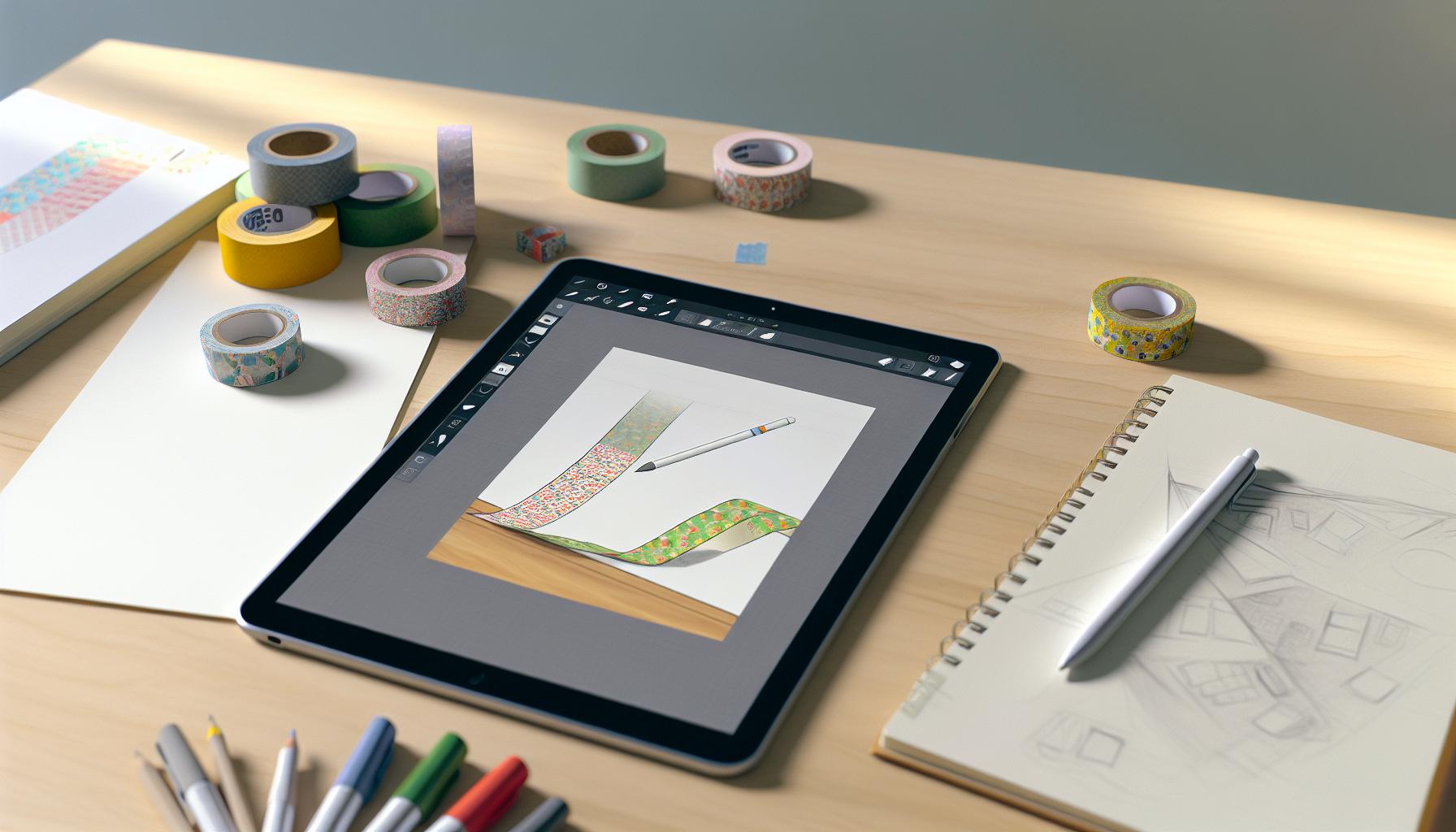
Understanding Washi Tape: What It Is and How to Use It
Washi tape is more than just a decorative element; it’s a versatile tool that can transform your projects with a touch of creativity. Originating from Japan, this decorative tape is made from rice paper, making it lightweight, easy to tear, and remarkably easy to reposition without leaving sticky residue. You can use it in countless ways-think journaling, crafting, decorating spaces, or even gift wrapping. The transparent quality of washi tape allows for layering and color blending, which can enhance the aesthetic of your simple designs.
Using washi tape in your projects opens up a world of possibilities. You could create visually stunning scrapbook pages, highlight important notes in planners, or add artistic flair to your digital designs. Notably, in the realm of digital art and design, using apps like Procreate allows you to simulate the look and feel of washi tape with a few taps. You can design unique patterns, create themed tape for specific occasions, or even customize colors and textures. This flexibility takes your creativity up a notch and helps you develop a personal style that sets your work apart.
To get started with washi tape, consider what themes resonate with your ideas. Whether it’s floral patterns, geometric shapes, or seasonal designs, the possibilities are endless. A simple search for inspiration can lead to incredible design ideas that spark your imagination. When you combine this tactile and visual appeal with tools available in digital art applications, like the Procreate brushes specifically designed for washi tape, the final product can truly shine.
Embrace the joy of creating. Dive into this decorative art form and watch how it elevates your projects, both digital and traditional. You’ll soon see how understanding washi tape not only enhances your designs but also enriches your creative experience.
Getting Started with Procreate: Interface and Tools
To create stunning washi tape designs in Procreate, you first need to familiarize yourself with the app’s interface and tools. Procreate is not just user-friendly; it’s also packed with features that can transform your creative process. As you open the app, you’ll see a simple layout allowing you to access your canvases, brushes, and tools effortlessly, making it an ideal platform for both beginners and seasoned artists.
The main workspace consists of a canvas area where you’ll do the drawing, along with a toolbar on the left and a brush library on the right. You’ll often find yourself using the following core tools:
- Brush Tool: This is crucial for creating different textures and effects in your washi tape designs. Make use of Procreate’s extensive brush library, or customize your own brushes.
- Selection Tool: Use this to select specific areas of your design for manipulation. This is especially useful when you want to move, resize, or modify your washi tape patterns.
- Layers: Procreate’s layering system allows you to create complex designs without losing organization. You can overlay patterns, colors, or textures, just like real washi tape.
- Color Picker: Choosing the right colors is essential for your designs. The color picker is intuitive and enables you to create unique palettes that fit your vision.
Understanding how to navigate these tools will empower you to express your creativity fully. For a more tailored experience, consider exploring Community resources, where you can find brush packs dedicated to washi tape design. These can enhance your workflow and give you access to unique textures and styles that fit perfectly with the aesthetic you aim to create.
As you set off on your journey of designing digitally, remember to regularly experiment and adjust your techniques. Each project can reveal new possibilities within Procreate. By embracing the app’s depth and flexibility, you’ll find that crafting personalized washi tape designs becomes not only achievable but genuinely enjoyable.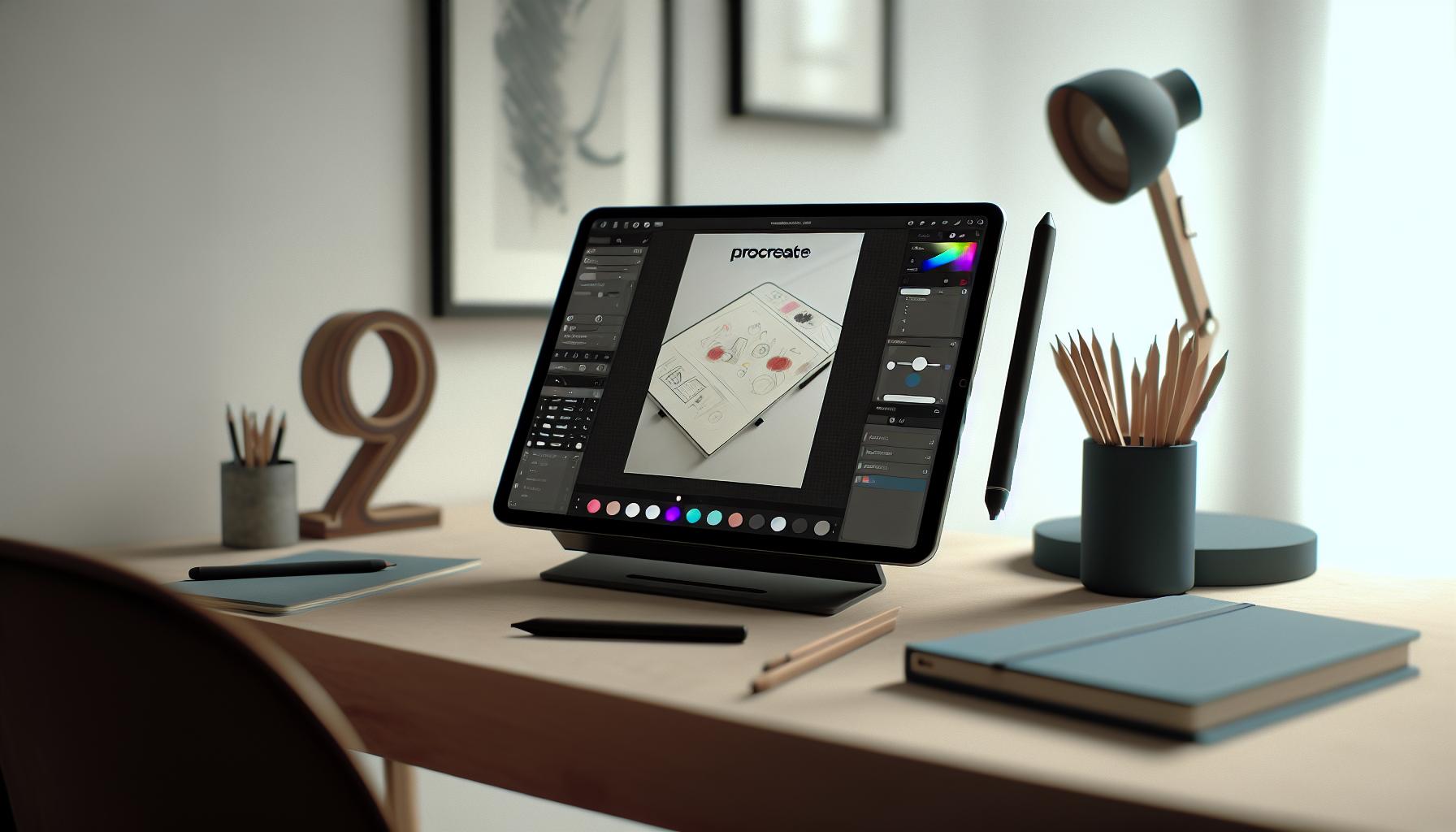
Step-by-Step Guide to Designing Washi Tape
Creating your washi tape designs in Procreate can be a game-changer for any artist looking to add a unique touch to their projects. Let’s dive into a straightforward guide to get you started on crafting stunning digital washi tape that stands out.
Start by opening a new canvas in Procreate. A good size to work with is 3000 x 1000 pixels, which gives you enough space to create a design that mimics the typical width and length of real washi tape. Use a light background color for your canvas to allow for easy viewing of your designs as you go along.
Basic Shapes and Patterns
Begin by sketching out your basic shapes and patterns. Use the Brush Tool to create fun motifs like stars, flowers, or stripes. Don’t worry about perfection; Procreate’s tools allow for modifications later on. Layer your designs for added depth. Try utilizing the Selection Tool to duplicate shapes or patterns you like; this helps in maintaining consistency and saves time.
Color and Texture
Once you have your shapes down, it’s time to explore color. Use the Color Picker to create palates that resonate with your theme. For realistic washi tape, consider using a variety of semi-transparent layers to create a light and airy appearance. Adding texture is essential; experiment with Procreate’s brush library to find brushes that mimic fabric or paint effects. For instance, watercolor brushes can provide beautiful, organic textures that are perfect for washi tape designs.
Final Touches
After your design is complete, it’s crucial to tidy up. Use the Eraser Tool to clean up edges and refine shapes. Check your layers to adjust the opacity of certain elements for a professional finish. Finally, you can export your design as a PNG for the best quality with a transparent background. This step is vital if you plan to print the tape or use it in digital designs.
With practice, you’ll find your workflow improving and your designs becoming more polished. Keep experimenting with different shapes, colors, and patterns, as this is the best way to discover your unique style in washi tape design. Happy creating!
Creating Unique Patterns: Techniques for Inspiration
Creating intriguing patterns for washi tape in Procreate can transform your designs from ordinary to extraordinary. One simple trick is to blend various motifs and styles to keep your work fresh. Think about combining geometric shapes with organic elements, like leaves or flowers, to create dynamic contrast. Experiment with layering different patterns; for example, place a bold stripe behind a softer floral design, allowing the stripe to peek through, adding depth and complexity.
You can also draw inspiration from nature. Floral patterns are a timeless option, but don’t shy away from the more abstract. Consider the texture of tree bark or the way light filters through leaves. Use Procreate’s brush library to craft these textures, or create custom brushes that imitate natural elements. You could even try using watercolor brushes for a softer, more ethereal look on your washi tape.
Additionally, color plays a pivotal role in pattern creation. Use color harmony techniques like analogous colors that sit next to each other on the color wheel. This will ensure your tape feels cohesive and inviting. To add a unique twist, try implementing unexpected color combinations; pairing pastels with bold hues can create a striking effect that catches the eye.
Lastly, don’t forget about seasonal themes. Imagine washi tape representing autumn with warm oranges, browns, and golds, or spring with vibrant pinks and greens. Themes guide your design process and can inspire a variety of patterns. Consider creating a series of tapes that work together around a specific season or holiday, making them perfect for collectors or planners.
Tap into your creativity and let your patterns tell a story. Remember, the beauty of Procreate lies in its versatility-have fun experimenting with different styles, textures, and colors to make each washi tape design uniquely yours.
Color Theory for Washi Tape Design: Choosing the Right Palettes
Choosing the right colors for your washi tape designs on Procreate can be the difference between a forgettable piece and something that truly stands out. Color is not just about preference; it’s a powerful tool that evokes emotions and tells a story. Whether you’re designing for a specific season or aiming for a timeless look, understanding color theory can immensely enhance your creative process.
Start by familiarizing yourself with the color wheel. Colors can be categorized into three main groups: primary, secondary, and tertiary. For impactful designs, explore color harmony-the pleasing arrangement of colors that work well together. Use complementary colors (those opposite each other on the wheel) for high contrast, or analogous colors (those next to each other) for a more serene and cohesive look. For instance, a soft pastel palette using shades of pink and mint can evoke a light, airy feel, perfect for spring themes.
Don’t hesitate to experiment with unexpected combinations. A bold approach might involve pairing a muted coral with a vibrant teal, creating eye-catching contrasts that draw viewers in. Think about how seasonal themes can influence your color choices. In fall, rich oranges, deep reds, and dusky greens can communicate warmth and coziness, while summer designs might benefit from brights like sunny yellows and ocean blues. You could create palettes that reflect nature-think sunsets, autumn leaves, or winter snow.
As you finalize your palette, consider how colors might work when printed on tape. Some colors might appear differently on screen versus in physical form, especially softer shades. Always test your palette and make adjustments until you achieve the desired effect. It’s about finding that unique balance that resonates with your intended audience while remaining true to your vision. Dive deep into the color selection tools in Procreate; they can help you visualize and tweak your designs effortlessly, ensuring that the final product is as vibrant and impactful as you envisioned.
Adding Texture and Depth: Using Procreate Brushes
Adding texture and depth to your washi tape designs in Procreate is a game changer. It’s not just about filling in colors; it’s about creating a visual narrative that invites your audience to explore and feel. Textures can evoke emotions and add richness, transforming a simple design into something captivating.
Start by selecting the right Procreate brushes. You’ll find that different brushes can emulate various textures-such as fabric, watercolor, or even paper-giving your designs a unique flair. For instance, using a watercolor brush can impart a soft, organic feel, while a grainy or rough brush adds an edgy, contemporary look. Experimentation is key. Try layering your designs with different textures; a base layer with a soft gradient topped with a more defined texture can create stunning contrasts.
Don’t overlook the power of blending modes and opacity adjustments. These tools allow you to play with how textures interact with colors, adding depth without overwhelming the primary elements of your design. For example, overlaying a subtle texture brush at a lower opacity can add richness without distracting from the key design elements. Remember to zoom in and out while designing to see how these textures will appear at different scales-sometimes what looks good close up might get lost when viewed at a distance.
Finally, consider how you can integrate textures that reflect the theme of your tape. If you’re designing seasonal washi tape, textures like frosty overlays for winter or rustic paper for autumn can enhance the overall feeling of your creations. Your brush choices should align with the emotions you want to evoke, ensuring every aspect of your design works harmoniously together. By adding these layers of texture and depth, you create washi tape designs that not only look professional but also resonate with your audience. Happy designing!
Exporting Your Washi Tape Designs: Best Practices
Exporting your designs from Procreate is a critical step that can define the quality and usability of your washi tape creations. You’ve put in all that hard work to make a stunning design, and now it’s time to make sure it shines in its final form. Knowing how to export correctly ensures your designs are crisp, vibrant, and ready for use-whether that’s printing on actual tape, using them in a digital planner, or selling them online.
Start by setting up your canvas with the right dimensions for your intended use. For physical washi tape, consider what size rolls you’ll be working with. Common widths are often around 1.5 inches but check your printing specifications for the best results. Use a resolution of at least 300 DPI (dots per inch) for clear prints. Once your design is complete, double-check your layers. Merging them can sometimes be necessary to avoid issues during export, especially if you’ve applied various effects or adjustments.
When you’re ready to export, tap the “Actions” menu (the wrench icon), go to “Share,” and select your desired file format. For washi tape, PNG is the best option because it preserves the transparency of your designs, allowing for seamless integration over different backgrounds. If you’re prepping for print, consider exporting as a PDF or TIFF for higher quality. Always preview your files before finalizing; checking for issues like pixelation or color discrepancies can save you a headache later.
Lastly, maintain an organized file system. Create folders for different projects or seasons, and label your exports clearly with names that reflect the design theme. This practice not only makes it easier to find files later but also prepares you for when you decide to market your creations. Clean exports lead to better presentations and, ultimately, sales, so invest the time in this final step to ensure all your hard work pays off!
Marketing Your Washi Tape: Tips for Online Sales
In today’s digital marketplace, effective marketing can make or break your washi tape business. Here’s the deal: you might have the cutest designs crafted in Procreate, but if you don’t know how to showcase and sell them, they’re going to gather virtual dust. One of the biggest keys to success in selling your washi tape designs online is understanding your audience and creating a strong brand presence.
Start by establishing a visual identity that resonates with your target market. Think about how your designs reflect the style and themes that attract customers. Use consistent branding elements like colors, logos, and fonts across your online platforms. Consider setting up an Instagram account or a Pinterest board where you can post aesthetic photos of your tape in use-like in planners, on DIY projects, or even framing ideas. This not only highlights your product but also helps potential customers imagine how they could incorporate your tape into their own lives.
Engage with Your Audience
Don’t just post and ghost. Engage with your audience through comments, polls, and even behind-the-scenes content showing how you create your designs. Offer tips on how to use washi tape creatively or share printables that encourage interaction with your products. Using stories or reels to show your tape in action can significantly enhance viewer interest. Remember, building a community around your product fosters loyalty and repeat business.
Utilize E-commerce and Online Marketplaces
When it comes to selling, consider using platforms like Etsy, Shopify, or even your own website. Make sure your product listings include high-quality images, clear descriptions, and relevant keywords. Offering bundles or limited edition releases can create urgency and encourage immediate purchases. Moreover, don’t underestimate the power of SEO-using the right keywords can increase your visibility and attract more potential buyers.
Lastly, don’t shy away from marketing promotions. Use email newsletters to announce new releases, exclusive sales, or to showcase customer creations using your tape. By combining engaging content, strong branding, and effective e-commerce strategies, you’ll position your washi tape designs for success in the online market.
Inspiration Gallery: Showcasing Beautiful Washi Tape Designs
Looking for inspiration can ignite your creativity and elevate your designs. The world of digital washi tape in Procreate is vibrant and full of possibilities. Just take a look at some fantastic examples that are making waves. Beautiful washi tape doesn’t just decorate; it tells a story. Whether it’s whimsical florals or sleek, modern geometrics, each design can capture an emotion or a theme, inviting the viewer to dive deeper.
To get started, consider exploring various design styles. Some popular options include:
- Nature-Inspired Designs: Think leaves, flowers, and wildlife. Soft colors paired with intricate line art can evoke a sense of tranquility.
- Geometric Patterns: Bold shapes and lines can create striking visuals. Using contrasting colors can help these designs pop off the screen.
- Whimsical Themes: Fun illustrations, like doodles or characters, can add playfulness to any project. They work especially well for crafty items aimed at a younger audience.
- Cultural Motifs: Infusing traditional patterns from different cultures can provide a rich backstory to your designs, making them unique and interesting.
Experimenting with texture can also set your designs apart. Use Procreate brushes that simulate effects like watercolor or a hand-painted look to give your tape a more organic feel. With the plethora of Procreate brush packs available, the right tools can elevate your creativity and help you achieve that sought-after tactile quality digitally.
Don’t forget to showcase your talent in creative ways. Incorporate your designs into styled mockups that display how they can be used in planners, scrapbooks, or home decor. This real-world application not only inspires others but also demonstrates the versatility of your creations. Explore platforms like Pinterest and Instagram to share your artistic journey, inviting others to appreciate and engage with your work.
Remember, each piece of washi tape you create is a reflection of your unique style. So, let your imagination run wild and have fun experimenting with different designs, textures, and applications. The more you explore, the more distinctive your collection will become!
Common Mistakes to Avoid in Washi Tape Design
Creating beautiful washi tape designs in Procreate can be rewarding, but it’s easy to fall into traps that hinder your creativity and effectiveness. One of the most common mistakes is overlooking the importance of transparency. Many designers forget that washi tape is typically semi-transparent. If your designs are too opaque, they won’t effectively mimic the real-life product and can lose their charm. Incorporating some transparency allows your designs to blend seamlessly when applied over other visuals, enhancing their overall appeal.
Another frequent pitfall is not considering the physical application of your designs. Always think about how your tape will look in the real world. If elements of your design are too small or intricate, they may not translate well when manufactured. Striking a balance between detail and simplicity is key. Test your designs at different sizes to see how they hold up; a great digital design can become unrecognizable once scaled down.
It’s easy to get caught up in using too many colors or patterns, leading to cluttered designs. Aim for cohesion by limiting your palette. A focused color scheme not only keeps your tape visually appealing but also enhances its usability across various projects. Think about the end use of your washi tape-designs that can pair well with a variety of colors and themes are more desirable.
Lastly, there’s a tendency to shy away from feedback. Sharing your designs with others can feel intimidating, but constructive criticism is invaluable. Join communities or forums to get insights into your work. Sometimes, an outside perspective can highlight issues you might have missed or offer fresh angles you hadn’t considered. Engaging with a peer network not only builds skills but can also spark new ideas for your creations.
By avoiding these common mistakes, you’ll pave the way for designing stunning washi tape that captures attention and resonates with your audience. Remember, each design is a step towards refining your unique style, so embrace the process and learn along the way!
Advanced Techniques: Customizing Your Procreate Experience
Customizing your Procreate experience can take your washi tape designs from ordinary to extraordinary. One of the first steps is to adjust the settings that fit your workflow. For instance, you can change the canvas size to accommodate the dimensions of washi tape you plan to create. A common size is 2 inches wide by 10 yards long, but you can set your canvas to whatever size suits your design needs best. This small adjustment can make a significant difference in your workflow and planning.
Another powerful feature in Procreate is the ability to create custom brushes. Instead of relying solely on the default brushes, experiment with making your own! Tailor brushes specifically for washi tape by adjusting the shape, texture, and size. You might create a brush that mimics watercolor strokes, adding a more organic feel to your designs. Using custom brushes not only enhances your work but also allows for unique styles that are hard to replicate, setting your creations apart in a crowded market.
Utilizing layers is essential in Procreate. By organizing your artwork into layers-one for patterns, another for colors, perhaps one for textures-you maintain flexibility throughout your design process. You can easily adjust colors, switch out patterns, or add effects without starting from scratch. Consider using layer effects such as Multiply or Overlay to add depth to your designs. These effects can create a semi-transparent quality that simulates real washi tape, perfect for achieving that authentic look.
Finally, don’t underestimate the power of shortcuts. Procreate has a range of gestures and key combinations that can speed up your workflow significantly. Configure your quick menu for tools and brushes you use most often, enabling you to access them quickly without navigating through menus. This will keep your creative flow uninterrupted and make the design process smoother.
By embracing these customization techniques, you’ll truly unlock the potential of Procreate for your washi tape designs, making the process more enjoyable and productive. Your experience should evolve with your artistry-get comfortable with these features, and you’ll be amazed by what you can create.
Resources for Digital Art: Where to Learn More
Looking to dive deeper into the world of digital art and wash tape design? You’re in luck! The resources available today can elevate your skills in Procreate and expand your creative horizons immensely. Whether you’re starting out or wanting to refine your technique, there’s a wealth of information at your fingertips.
One fantastic option is online tutorials, which offer step-by-step guidance on everything from the basics of Procreate to specific techniques for making beautiful washi tape. For instance, you can check out platforms like YouTube for detailed lessons. Videos can walk you through creating patterns and using brushes, like in this engaging tutorial on making custom washi tape in Procreate [[2]]. Another great resource is the blog post on creating custom washi tape, which provides free brushes and techniques tailored for Procreate [[1]].
Don’t overlook community platforms like Reddit or Facebook groups focused on digital art. These spaces are goldmines for sharing tips, asking questions, and getting feedback on your designs. Engaging with fellow artists can provide unique insights and help you navigate common challenges you might face.
Additionally, consider investing in online courses. Websites like Skillshare and Udemy offer structured learning paths that can deepen your understanding of Procreate and artistry. These courses often include projects to practice your skills, leading to real, actionable results in your design work.
Utilizing these resources not only enriches your knowledge but also inspires your creativity. The more you explore, the closer you’ll get to crafting those unique, standout washi tape designs that reflect your personal style. So go ahead, dive in-your next great design is just a few clicks away!
Faq
Q: What tools do I need to get started with washi tape design in Procreate?
A: To design washi tape in Procreate, you’ll need an iPad and the Procreate app. Familiarize yourself with the brush tools, layers, and color palettes. Optional tools include a stylus for precise control and Procreate brushes specifically designed for washi tape, which can enhance your designs significantly.
Q: How can I create patterns for my washi tape in Procreate?
A: You can create patterns by using repeating shapes and experimenting with layering. Utilize Procreate’s custom brushes to add unique textures. For inspiration, explore existing washi tape designs or use the step-by-step guide in your article for structured pattern creation techniques.
Q: What are some common mistakes to avoid when designing washi tape?
A: Common mistakes include neglecting to test your designs at different sizes and not maintaining a consistent color palette. It’s important to save your work in layers to allow easy edits. Avoid using overly complicated patterns that may become hard to print clearly, which is highlighted in your Common Mistakes to Avoid section.
Q: How do I export my washi tape designs in Procreate?
A: To export your washi tape designs, tap on the share icon and select the format suited for your needs, such as PNG or JPEG. Ensure you check the resolution settings to maintain quality, especially for printing. Detailed exporting techniques can be found in the Exporting Your Washi Tape Designs section of your article.
Q: Can I use Procreate to make stickers from my washi tape designs?
A: Yes, you can create stickers from washi tape designs in Procreate! Simply prepare your design, then export it in a high-resolution format suitable for sticker printing. After printing, you can cut them out or use a cutting machine for precise shapes. Refer to your guide for sticker layout tips.
Q: How can I market my washi tape designs effectively online?
A: To market your washi tape designs, leverage social media platforms like Instagram and Pinterest. Use engaging visuals and connect with your audience by sharing your design process. Also, consider opening an Etsy shop. Marketing strategies are covered in your Marketing Your Washi Tape section.
Q: What brushes work best for creating washi tape effects in Procreate?
A: The best brushes for creating washi tape effects are those that mimic texture and patterns. Look for brushes that offer transparency and smooth edges. You can find specialized Procreate brushes tailored for washi tape on marketplaces like Etsy. Explore the options mentioned in your article’s Resources section for recommendations.
Closing Remarks
Now you know how to create stunning washi tape designs in Procreate! Remember, practice makes perfect, so dive in and start experimenting with your unique patterns and brushes. Don’t miss out on enhancing your digital creations-check out our tutorials on creating custom washi tape or explore our collection of 200 washi and masking tape brushes to take your designs to the next level!
If you have questions or want to share your creations, drop a comment below-we’d love to see what you come up with! And for more tips on digital art and design, be sure to subscribe to our newsletter for the latest updates and exclusive resources. Your next creative project awaits-let’s get designing!